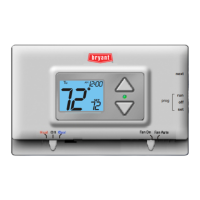
buttons.
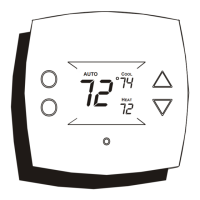
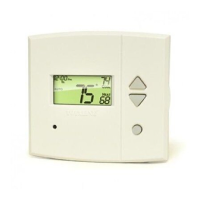
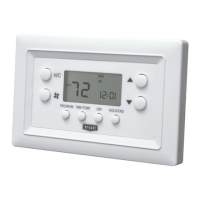
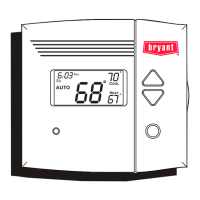
In any mode, adjust the
desired Set Temperature
with
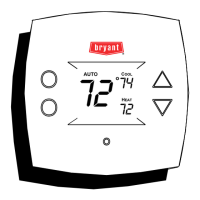
Pressing the Up or Down buttons in Auto mode will adjust both the heat and cool
set temperatures simultaneously.
Pressing the Up or Down buttons in Heat or Cool modes will adjust only the
heat or cool set temperature.
Select Desired Temperature
Fan
Operation
Page 7
Basic Operation
69
72
HEAT
COOL
AUTO
o
o
Pm
12:00
70
:
Fan On indicates constant fan operation.
This feature is active even if the thermostat
is set to Off.
55
85
HEAT
COOL
o
o
Pm
12:00
65
:
Fan On
Press
FAN






 To Next Page
