Need help?
Do you have a question about the Brydge 11.0 Pro+ and is the answer not in the manual?
Press the power key for one second until the LED flashes green.
Press and hold the power key for three seconds until the LED flashes red.
Press and hold the Bluetooth key for three seconds until the LED flashes blue. Select Brydge Pro+ in iPad settings.
Remove non-Brydge screen protectors before attaching keyboard for a perfect fit and to avoid pressure.
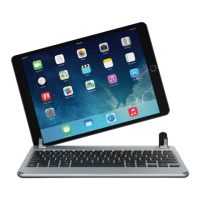
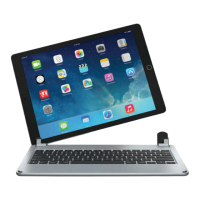
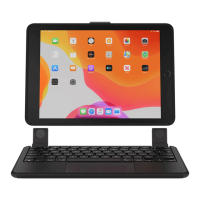
Place Brydge flat, set hinges upright, and insert iPad one side at a time with home button on right.
Ensure Brydge is flat, place hand near keyboard back, and pull up one side at a time.
Check battery life in Today View > Batteries. Add Batteries widget if not visible.
 General
| Numeric keypad | No |
|---|---|
| Keyboard layout | QWERTY |
| Pointing device | Trackpad |
| Keyboard language | English |
| Cover | Yes |
| Compatibility | iPad Pro 11|\ |
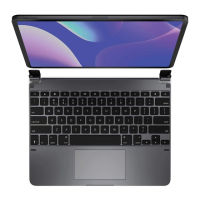
| Product color | Gray |
| Housing material | Aluminum |
| Brand compatibility | Apple |
| Maximum screen size | 11 \ |
| Device interface | Bluetooth |
| Bluetooth version | 5.0 |
| Connectivity technology | Wireless |
| Power source | Battery |
| Battery lifetime | 0.25 year(s) |
| Keyboard form factor | Mini |
 Weight and Dimensions
| Depth | 178.5 mm |
|---|---|
| Width | 247.6 mm |
| Height | 6.7 mm |
| Weight | 550 g |

 To Next Page