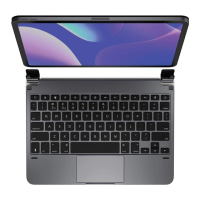
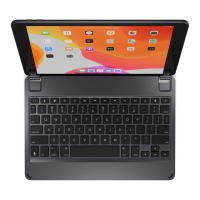
Need help?
Do you have a question about the Brydge 10.2 MAX+ and is the answer not in the manual?
Instructions for powering the device on, off, and its automatic sleep mode.
Steps to pair the Brydge keyboard with your iPad via Bluetooth.
Link to website for up-to-date trackpad settings and video instructions.
Download Brydge Connect app for the latest firmware updates.
Guidance on how to correctly insert and remove the keyboard from the case.
How to check battery life and the process for charging the keyboard.
 General
| Cover | - |
|---|---|
| Backlight | Yes |
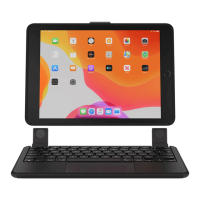
| Compatibility | iPad (8th Generation) iPad (7th Generation) |
| Product color | Black |
| Housing material | Polycarbonate (PC), Rubber |
| Brand compatibility | Apple |
| Numeric keypad | No |
| Pointing device | Trackpad |
| Connectivity technology | Wireless |
 Weight and Dimensions
| Depth | 180 mm |
|---|---|
| Width | 257 mm |
| Height | 18.5 mm |
| Weight | 644 g |

 To Next Page