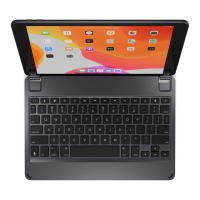
TO TURN ON: Press the power key for one second until the LED flashes
green.
TO TURN OFF: Press and hold the power key for three seconds until the
LED flashes red.
NOTE: To conserve battery, your Brydge will enter sleep mode after 20
minutes of non-use. Press any key to turn back on. Your Brydge will enter
sleep mode when both devices are closed like a laptop.
TO PAIR: Press and hold the Bluetooth
TM
key for three seconds until the
LED flashes blue.
On your iPad, under Settings > Bluetooth
TM
select Brydge 10.2 MAX+.
When successfully paired, the blue LED will turn off and your keyboard and
trackpad will be active.
POWER
PAIR
CUSTOMIZE THE TRACKPAD
For up-to-date settings and video instructions, visit:
www.brydge.com/102-max-plus-instructions
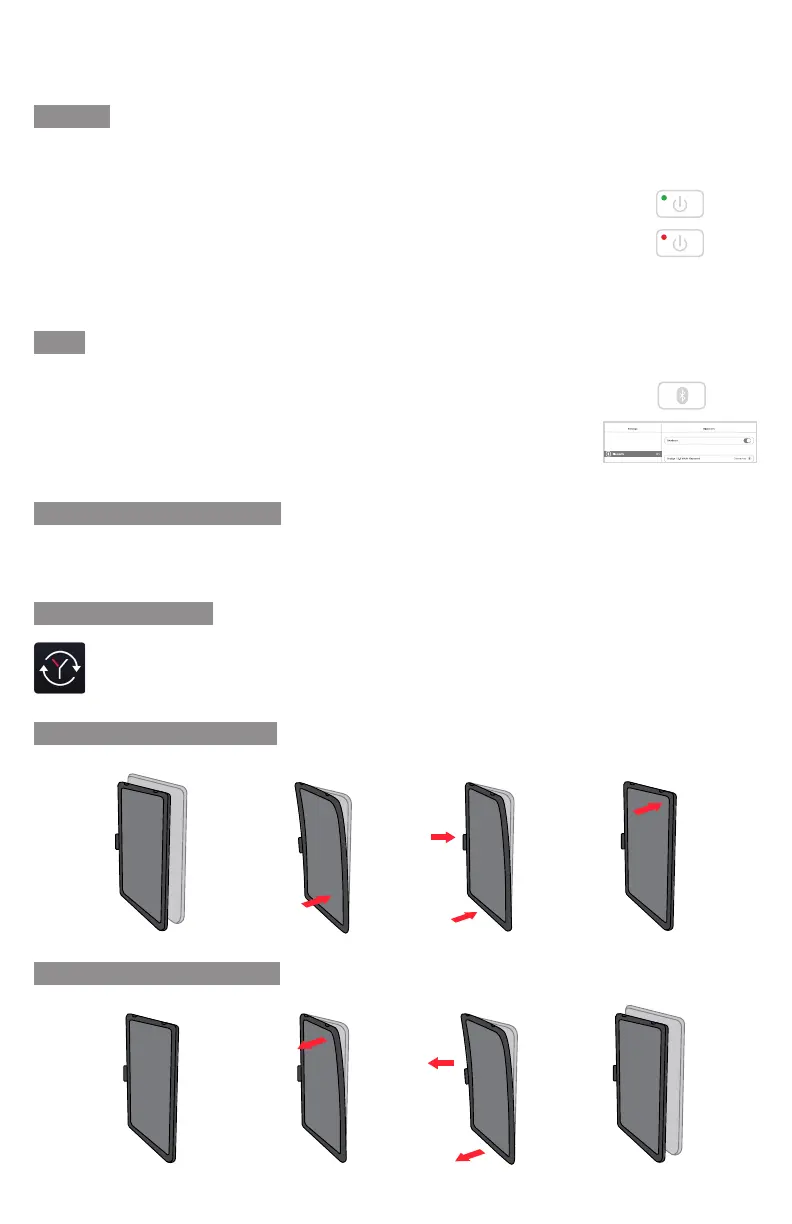
ATTACH PROTECTIVE CASE
UPDATE FIRMWARE
Download Brydge Connect from the App Store for the latest firmware updates.
REMOVE PROTECTIVE CASE
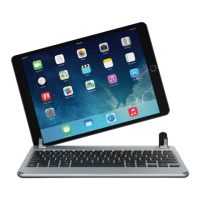
Brydge 10.2 MAX+
User Manual

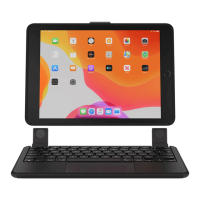

 To Next Page