12
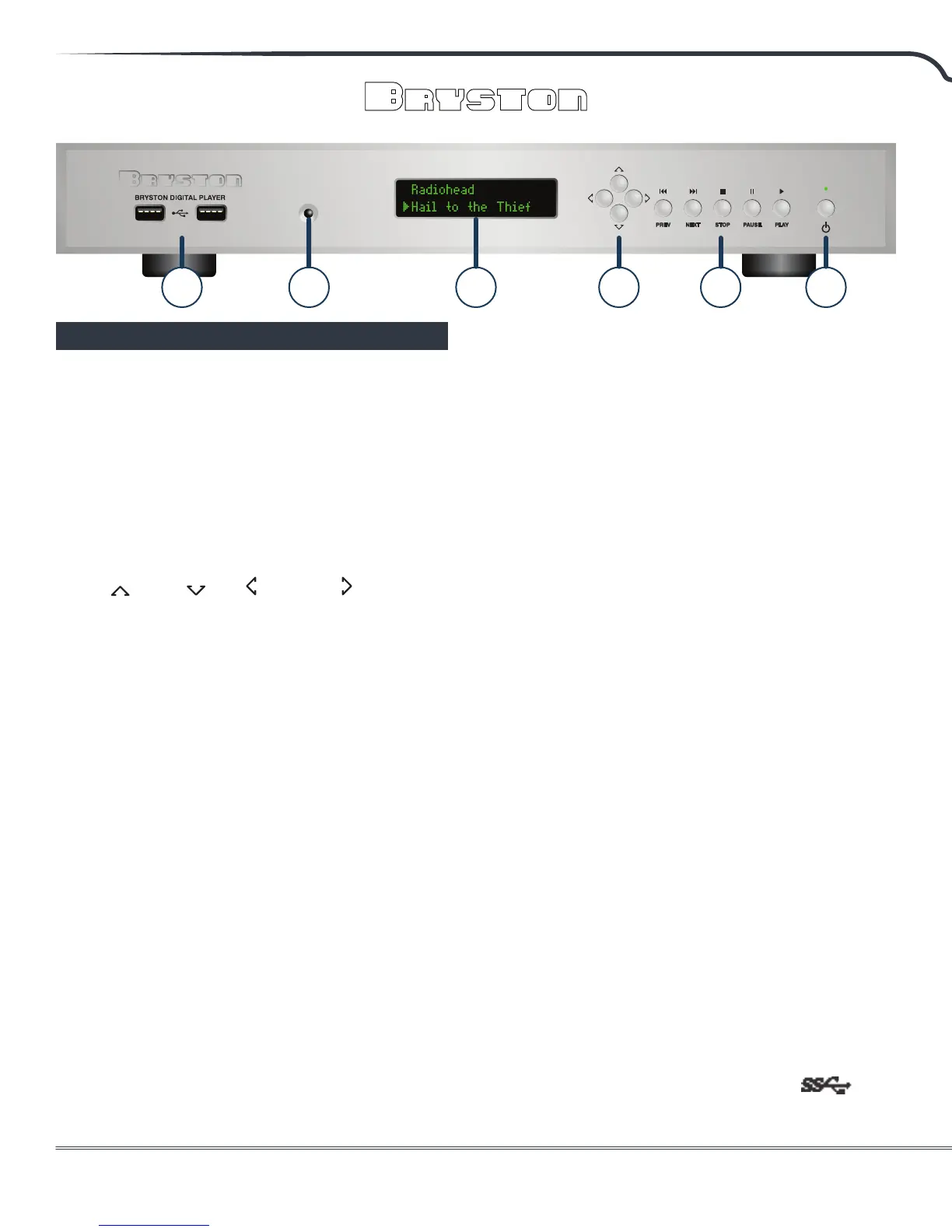
1. Infrared Sensor:
Receives control signals from IR remote controls
such as the Bryston BR-2 to control basic
transport operations (play, pause, next, etc.)
2. Dot Matrix VFD Display:
Provides basic visual feedback when navigating
menu or playing back music.
3. Navigation Keys:
Up , Down , Le , and Right . Use the
Up and Down keys to step through a list of
connected USB storage devices (thumb drives,
hard drives) and to scroll through menus and
options. Use Right and Le keys to select
options and step backwards through the
hierarchy respectively. See “Front Panel Menu
Navigation” on page 14 for the full menu tree.
When using these keys to initiate playback, the
Right key will open selected folders identied by
a icon and will Play the selected track when
a le identied by the icon is selected. Press
the Play button when a drive, folder or playlist is
selected to play all les contained within.
4. Transport Function Keys:
Play, Pause, Stop, Previous, and Next function
in essentially the same manner as they would
on a CD player. Next and Previous skip ahead
or behind the currently queued track in the
playlist.
Transport keys control the currently selected
audio service. If you are using MPD to listen to
music stored on an attached hard drive, SSD,
or NAS, the transport controls will control MPD.
If you are listening to Tidal or Roon, transport
controls will control those features. They are not
currently enabled for tertiary features like DLNA
Renderer, Shairport-Sync (an Airplay emulator)
or Squeezelite (a Squeezebox emulator).
5. Power Button & LED Indicator:
When the LED above the power switch is lit red,
the unit is in standby. When it is green, the unit
is fully powered up. If your unit is equipped with
an optional blue/red LED, blue represents the
power on state.
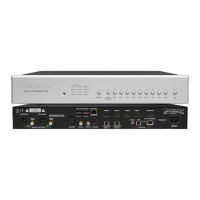
6. RS232:
For connecting hard-wired control systems like
AMX, Crestron, Savant, etc. See Firmware User’s
Manual to enable.
7. VGA:
Analog connection to video monitor or TV.
Currently this is not enabled.
8. Ethernet Input
Connect your BDP-3 to your home network
using CAT5e or better cable using this port. The
network connection can operate at speeds up to
1 gigabit per second.
9. USB Ports:
The BDP-3 features 8 USB ports occupying two
separate buses. Ports marked by numeral 8 in
the diagrams above operate on a joint bus, and
the two ports marked by numeral 9 are on a
separate bus. Ports marked with an are
USB 3.0 and will oer much greater speed when
Front Panel
1 2 3 4 58


 To Next Page