N-BSSALT V3.0 32 / 57
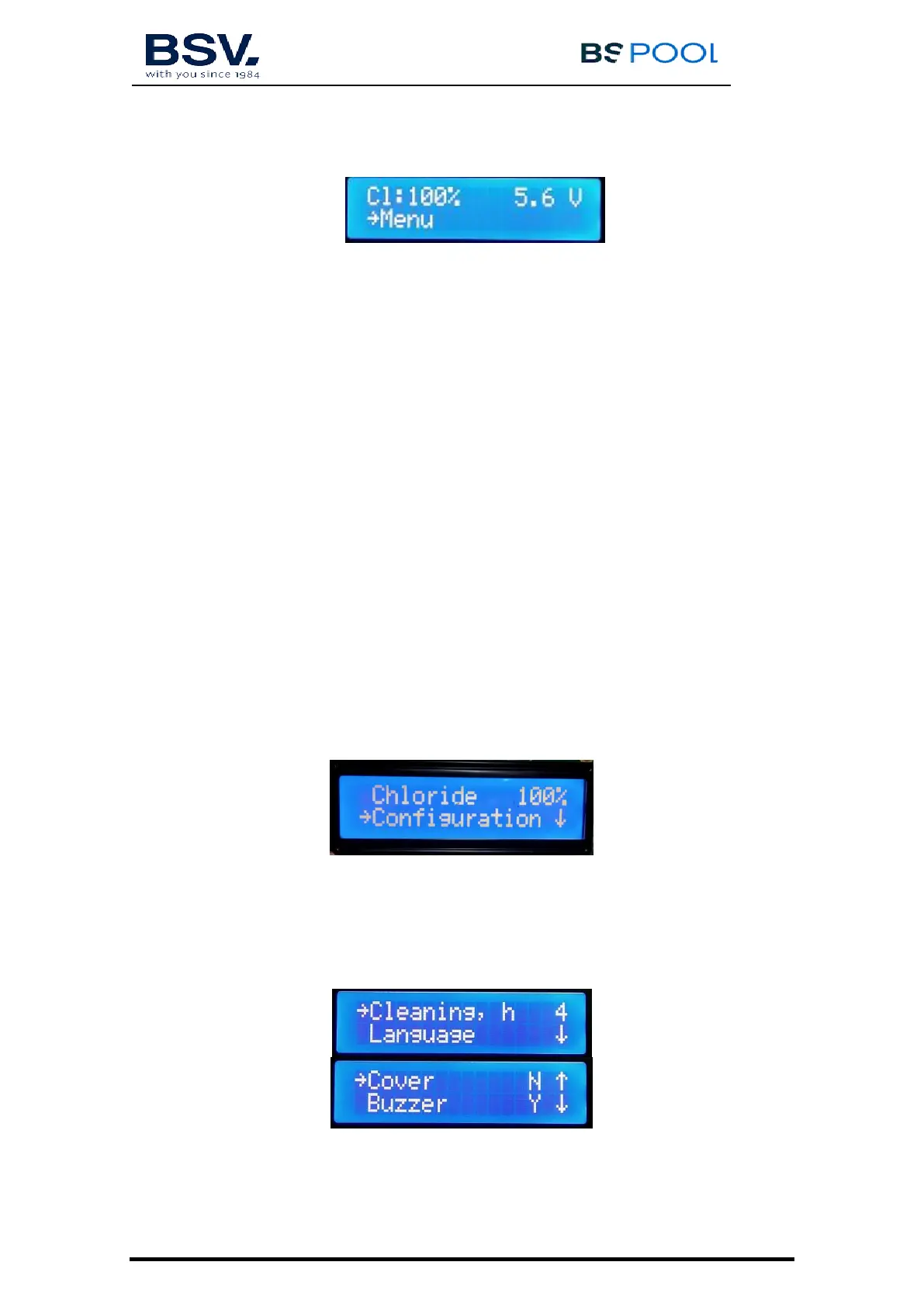
- The upper line displays the production %, the voltage of the electrolysis
cell.
- The second line displays the →Menu (press the OK button to access the
menu). If any alarm or warning occurs, it will also be displayed on this
line.
4.1.3- Main menu
Press the "OK" button from the main screen to access the main menu.
Using the buttons you can select a line of the menu, indicated by the
arrow (→). The OK button is used to confirm the selection.
To access the configuration menu, you need to confirm the operation by
selecting (S) through the arrow, and pressing OK.
4.1.4- Chloride production (%)
Configuration of the maximum production of chlorine.
From 0% to 100% Press “OK” and use the arrows to change the value.
Press "OK" to confirm the adjustment.
4.1.5- Configuration
In the configuration menu you can select the configuration parameters, which
usually only have to be adjusted when installing the equipment.


 To Next Page