12
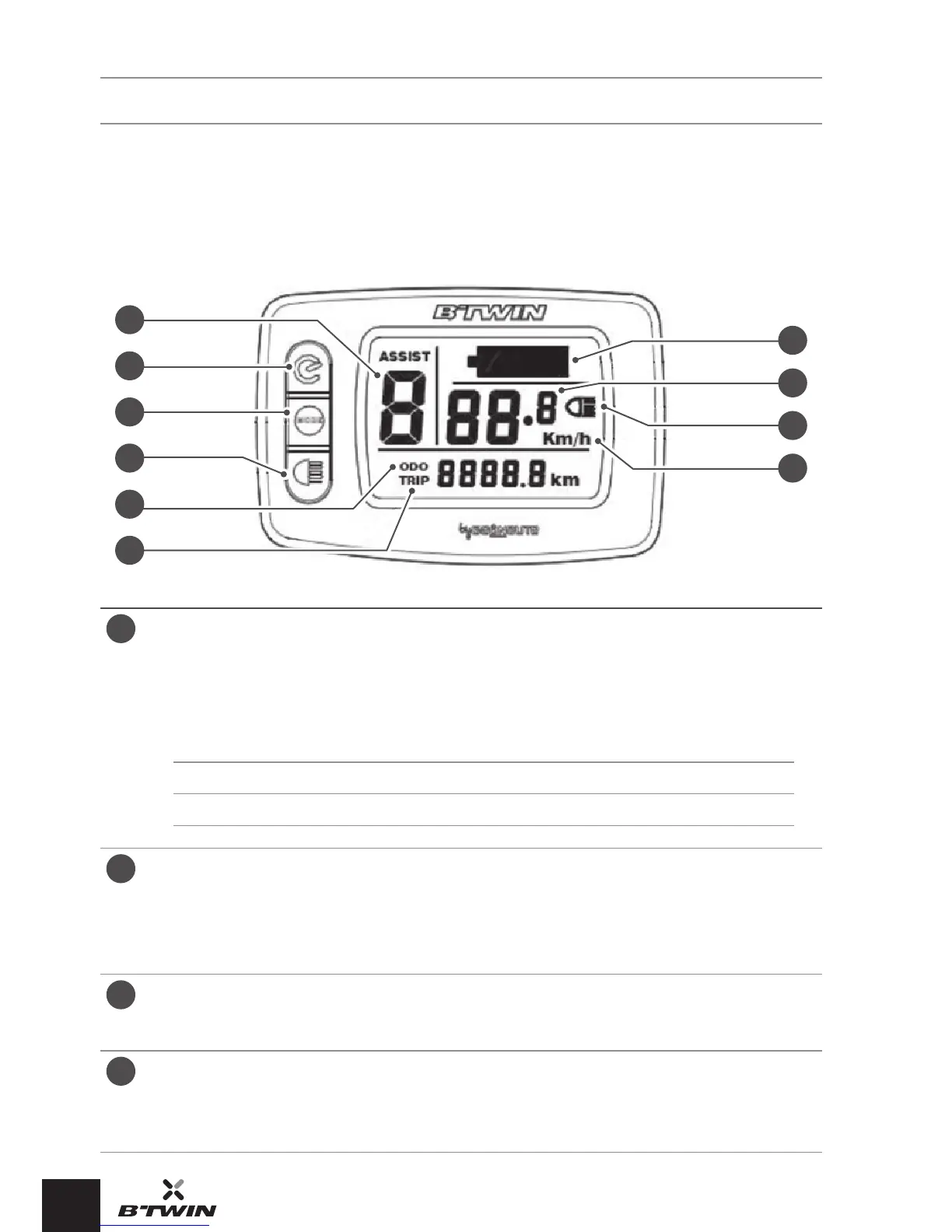
SCREEN AND CONTROL ELEMENTS
DESCRIPTION OF THE SCREEN AND ITS OPERATION
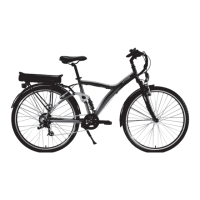
(ORIGINAL 7 E)
A
E
F
G
H
I
J
B
C
D
A
Assistancemode(0-1-2-3)
0 = no assistance.
1 = the default assistance mode.
Each mode corresponds to the maximum assistance speeds given
below:
Mode 0 1 2 3
Speed 0 km/h 17 km/h 22 km/h 25 km/h
B
ON/OFFbutton
Switch the electrically-assisted bike on and off by pressing for 1.5
seconds.
Once the electrically-assisted bike is switched on, a short press on
this button allows you to change the distance indicator (ODO / TRIP).
C
MODEbutton
Selection of the assistance mode by a short press.
Reset the TRIP counter by pressing for 1.5 seconds.
D
Lightingbutton
Switches the bike lights on and off.
When the lights are on, the screen is lit and the lighting indicator
appears on the screen.


 To Next Page