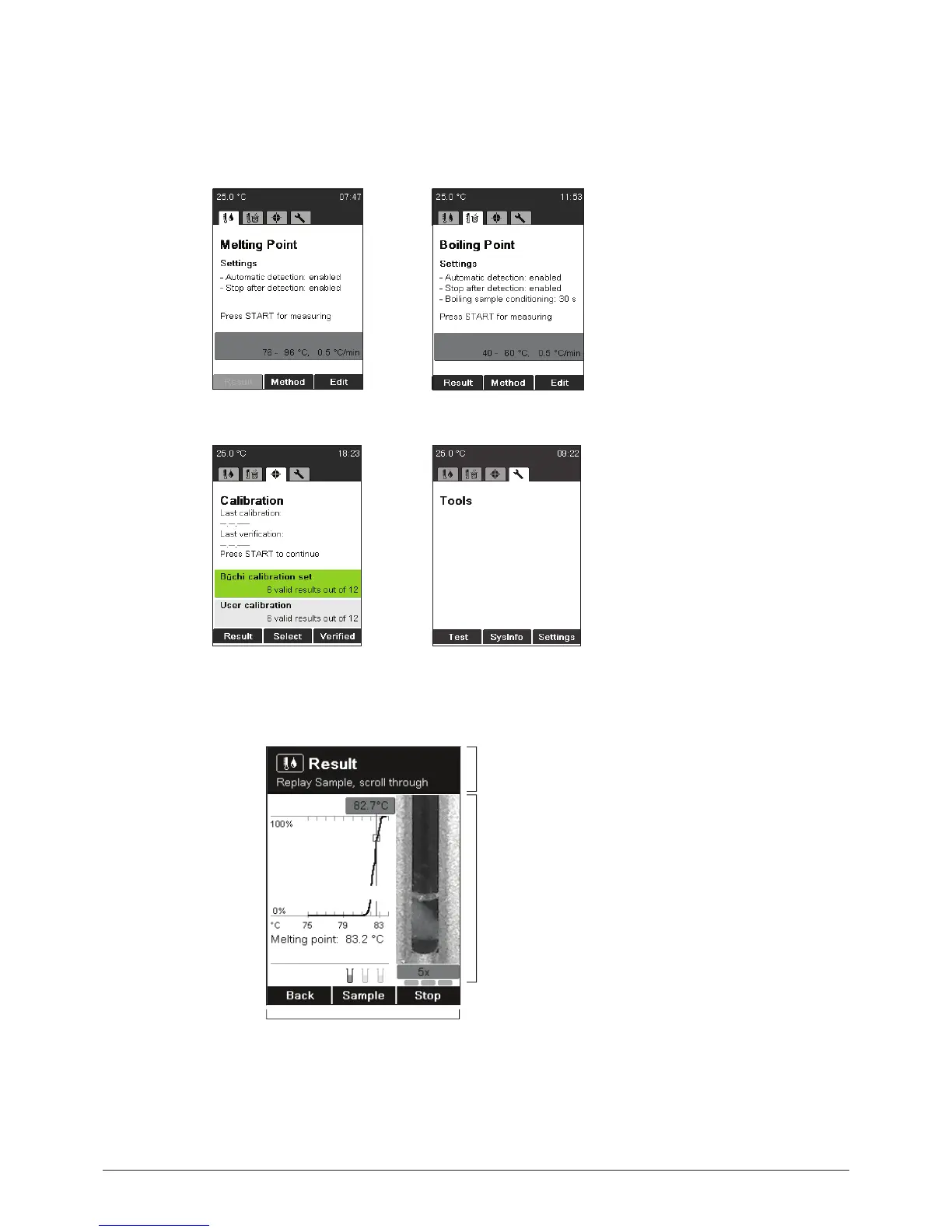
Different menus can be accessed by turning the rotary knob. Each menu has its own symbol. These
idle screens are the starting points for all actions. The corresponding symbol is displayed during all
processes.
Melting Point Boiling Point
Calibration Tools
6.1.2 Display during a process or in menus
a
b
c
a Shows where you are and gives hints and
instructions.
b Working area shows:
• items to select
• samples during measurement
• specific information in connection with
the current menu
c Functions selectable by the keys below.



 To Next Page