6.2.3 Creating a method
Instead of entering and using the parameters directly from the idle screen, it is also possible to store
parameter sets as methods.
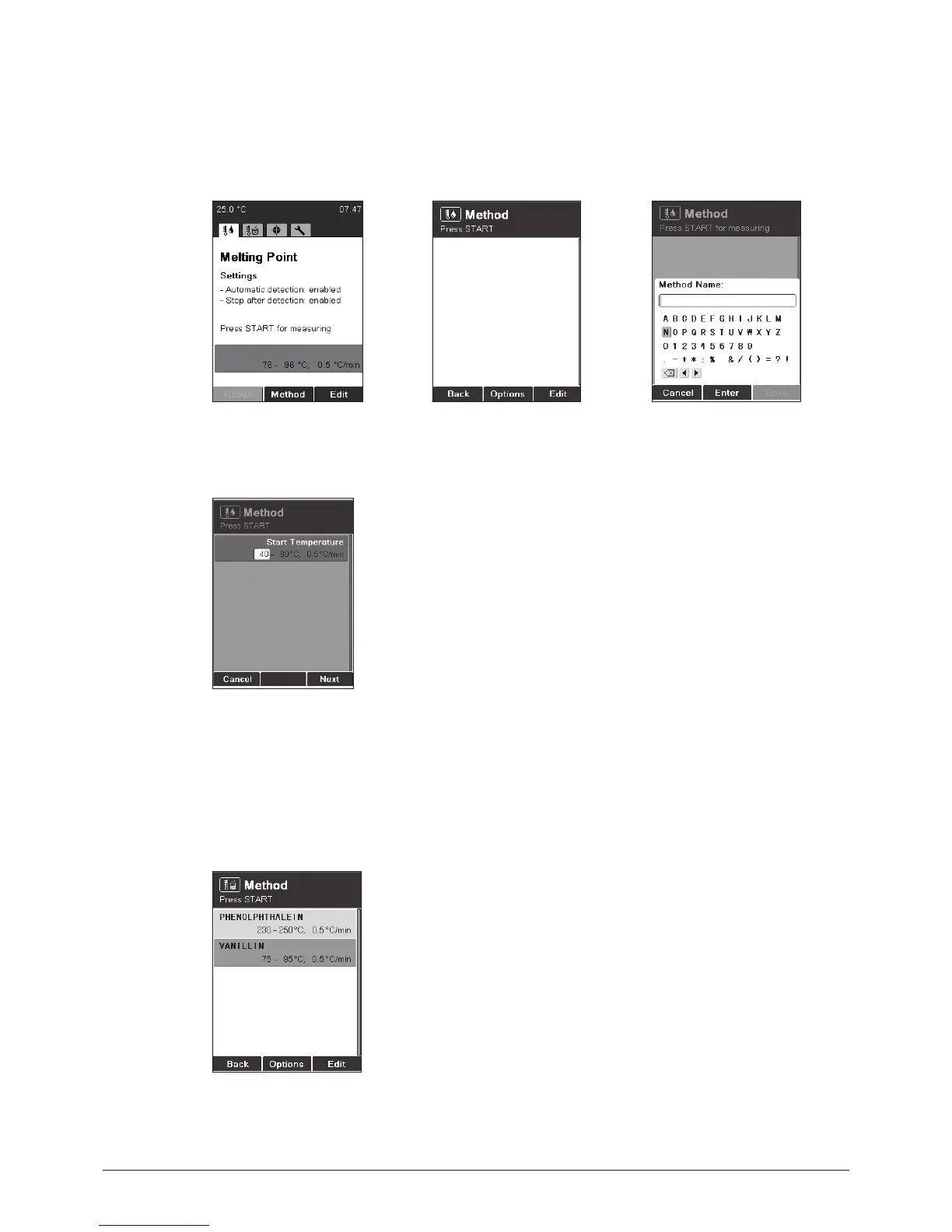
• To enter the method menu,
press Method.
• To create a new method,
press Options New
then OK.
• Enter a method name. To
finish press Save.
• Adjust a parameter and
press Next. Then Save.
NOTE FOR USER MANAGEMENT
Creating a method is not possible when operating the instrument in the user level.
6.2.4 Using and handling methods



 To Next Page