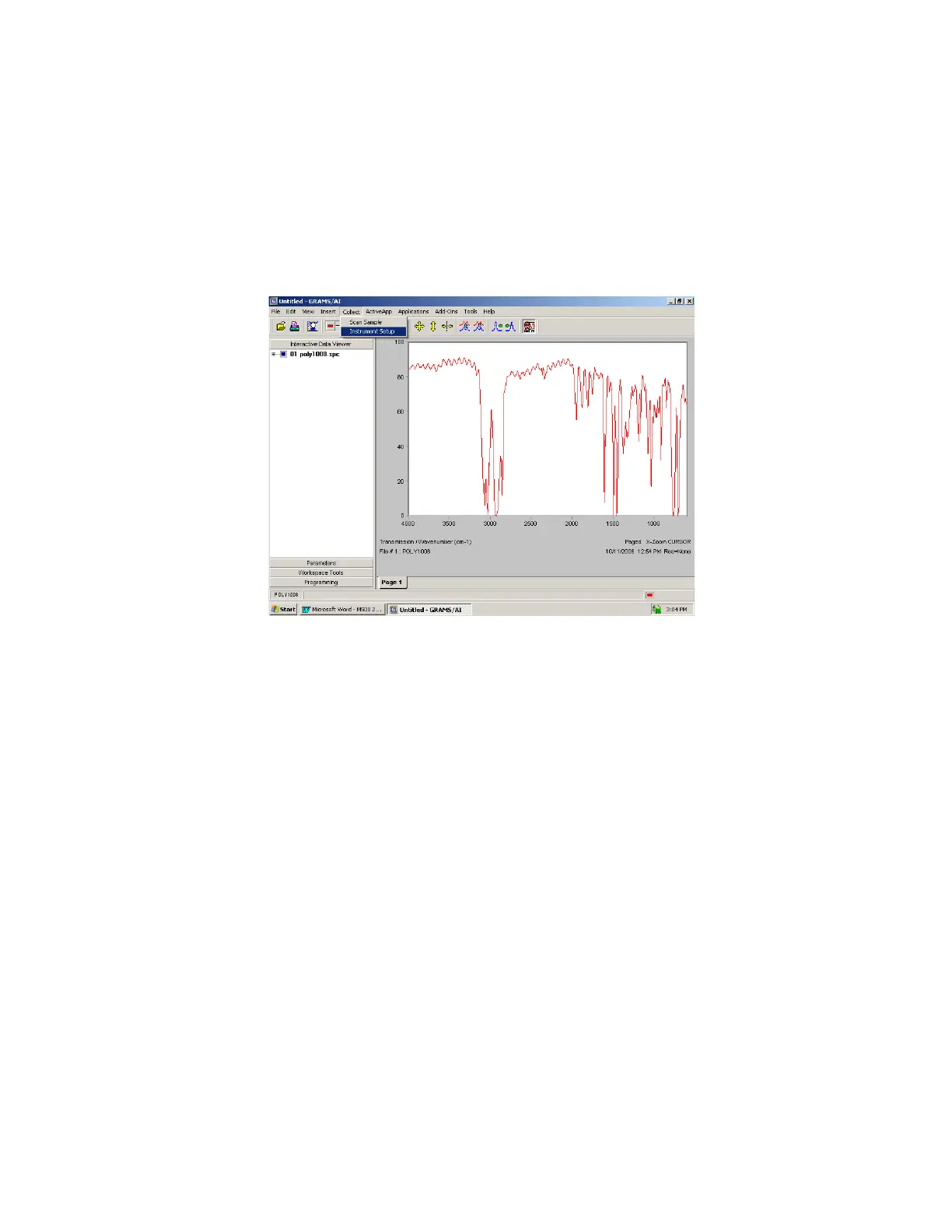
4.0 The COLLECT Menu:
After installing the instrument software and GRAMS a COLLECT option is added to the menu bar
in GRAMS Version 9.2. The COLLECT menu will contain all the commands the user will need to
set up and collect data from the BUCK Scientific Model 500 IR Instrument. There are two (2)
menu options, Scan Sample and Instrument Setup.
To access the instrument commands, start the GRAMS Version 9.2 software as described in the
Users' Guide. From the initial GRAMS screen click on the COLLECT menu to display the
instrument control and data acquisition commands.
When an instrument command is selected, a new workbook page is added to the GRAMS
view. It is normally Page 2. The instrument control module is added to the new workbook
page and the instrument control command is automatically performed.
4.1 SCAN Sample
When this option is selected the software immediately collects a spectrum. It uses the
current instrument settings and the full scan range of the instrument.



 To Next Page