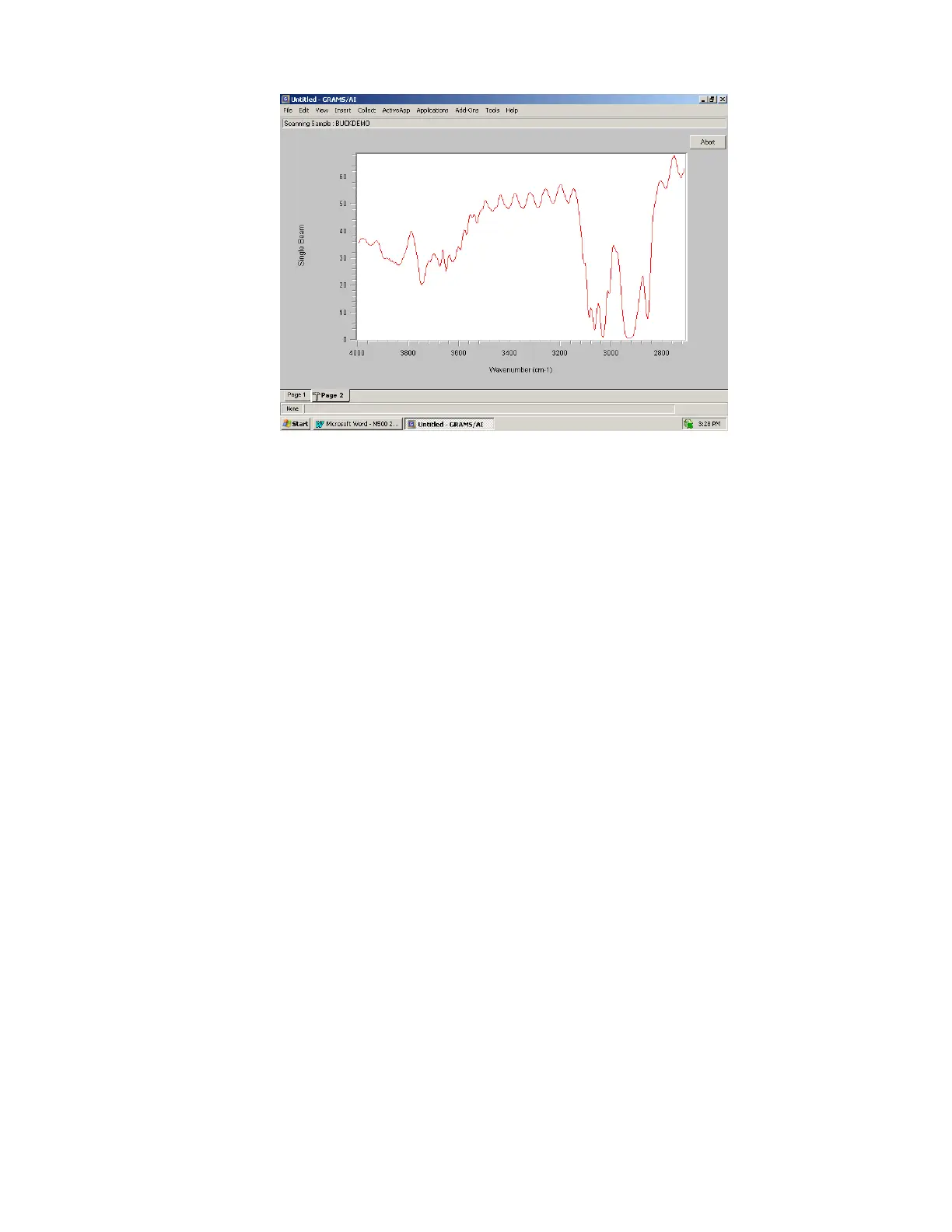
During a scan the spectrum is displayed on the screen as it is being collected. Also, there
is an ABORT button display on the screen. When this button is clicked the software will
stop collecting data and the instrument will reset back to the starting wavenumber position
and software control will be handed back to GRAMS Version 9.2 when it has reset.
When data collection is complete, the resulting spectrum is transferred to GRAMS view
and displayed in Page 1. Software control is transferred to GRAMS and the spectrum can
be saved using a different filename and spectrum comment. It is also available to be
manipulated with call data commands available in GRAMS.
4.2 Instrument Setup
The Instrument Setup dialog allows the user to change the parameters controlling the scan,
collect a spectrum and select a background spectrum for absorbance and transmission
scanning.



 To Next Page