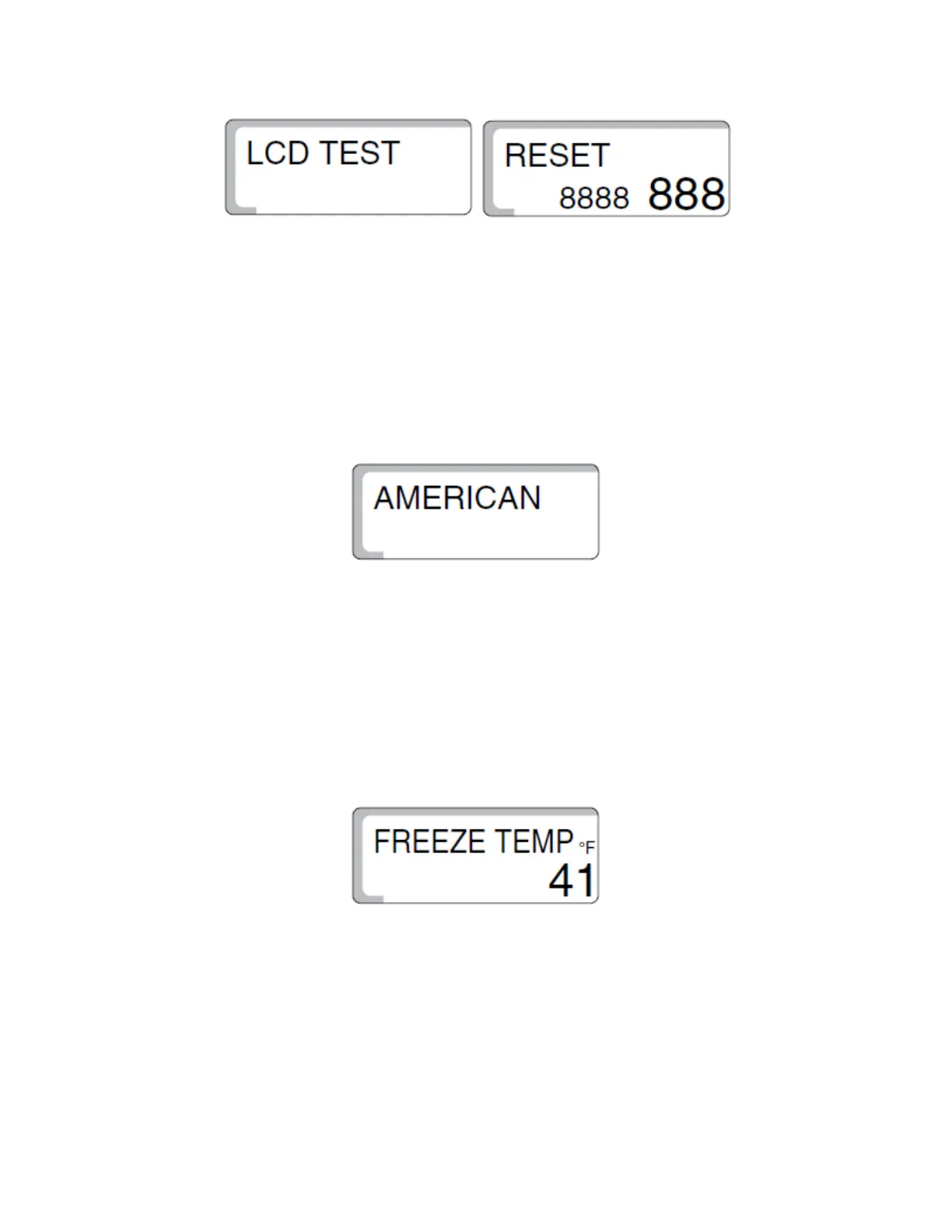
• “LCD Test” will now be on the screen. Turn the dial two clicks to the right so
that “Reset” is on the screen. If this control has already been installed and there
is a need to erase all programming, when “Reset” is on the screen, press and
hold the “Torn page” (Enter) button that is located on the lower left side of the
control, underneath the “Suitcase” button. Hold this button down until all of the
“8’s” on the screen disappear then release the button. CAUTION: This will erase
all programming of the control. It might be necessary to check the heating
programming beforehand. Resetting the control will also change the control
back into “German” as the language selection.
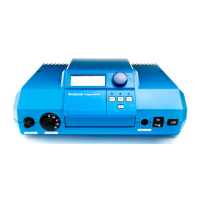
• Turn the dial two clicks to the right until the language preference is shown. If
you did not reset the control, it will read “AMERICAN.” If you did reset the
control, it will read “DEUTSCH.” To change this selection, press and hold the
“Torn page” (Enter) button down and turn the dial until “AMERICAN” is
displayed. CAUTION: Do not leave this setting on “ENGLISH” as the heating
values will then be displayed in Centigrade. Release the “Enter” button when
selection has been made.
• Turn the dial one click to the right which will then display “BLR TEMP.” Press the
“Enter” button to open the submenu.
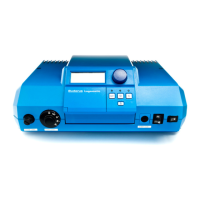
• “FREEZTEMP” will now be displayed. It will be set out of the box to 41°F. This
will have the boiler circulator cycle when the outside temperature drops below
41°F. Press and hold the “Enter” button. Spin the dial to the right to raise the
value up to 45°F or whatever temperature you desire. Release the “Enter”
button when desire temperature is displayed.


 To Next Page