• Press the “Return Arrow” button. “CIRCUIT 1” will now be displayed. Turn the
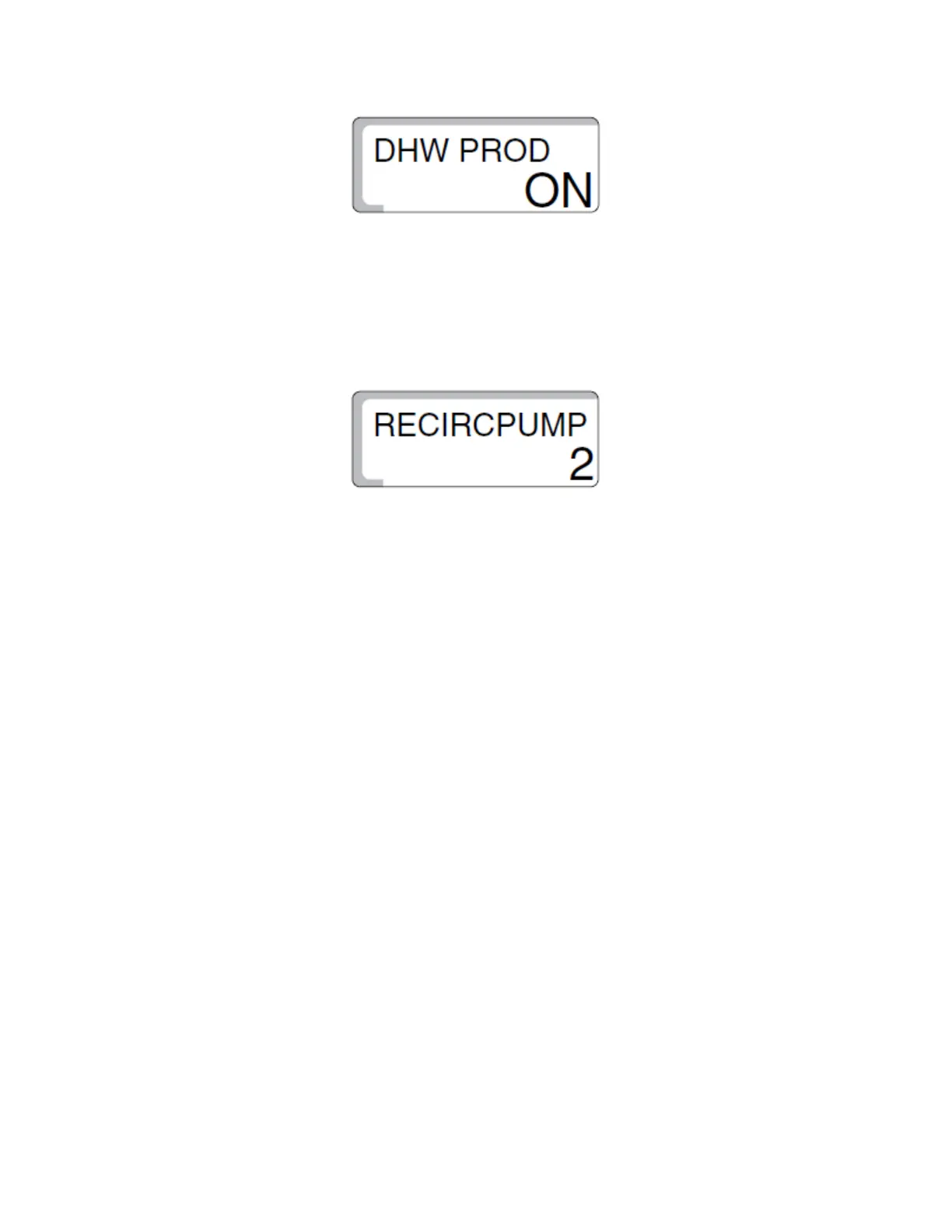
dial one click to the right. “DHW PROD” will now be displayed. This setting tells
the control and boiler if there is an indirect water heater that they are
responsible for. The factory setting is “ON.” If you have a tank installed, leave
this setting alone. If not, press and hold the “Enter” button then spin the dial so
that “OFF” is displayed then release the “Enter” button..
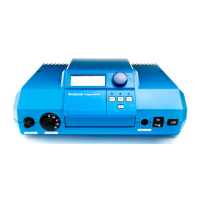
• Turn the dial one click to the right. If “DHW PROD” was left on, “RECIRPUMP” will
be displayed. This setting lets the control know if there is a recirculation pump
installed on the domestic water system. Factory setting is “2” which will have
the recirc pump cycle twice an hour for three minute intervals. You can adjust
this setting from 1 through 6 intervals an hour or set it to be always “OFF” or
always “ON.” To adjust this setting, press and hold “Enter” then spin the dial
until your desired setting is displayed. Release “Enter” button at that point
• Press the “Return Arrow” button to return back to the main screen.
• Press the “Faucet” button to view the domestic hot water temperature. To
adjust setting, press and hold “Faucet” button then spin the dial until desire
temperature is displayed. Release the “Faucet” button.
Rev: 2018-04-04


 To Previous Page