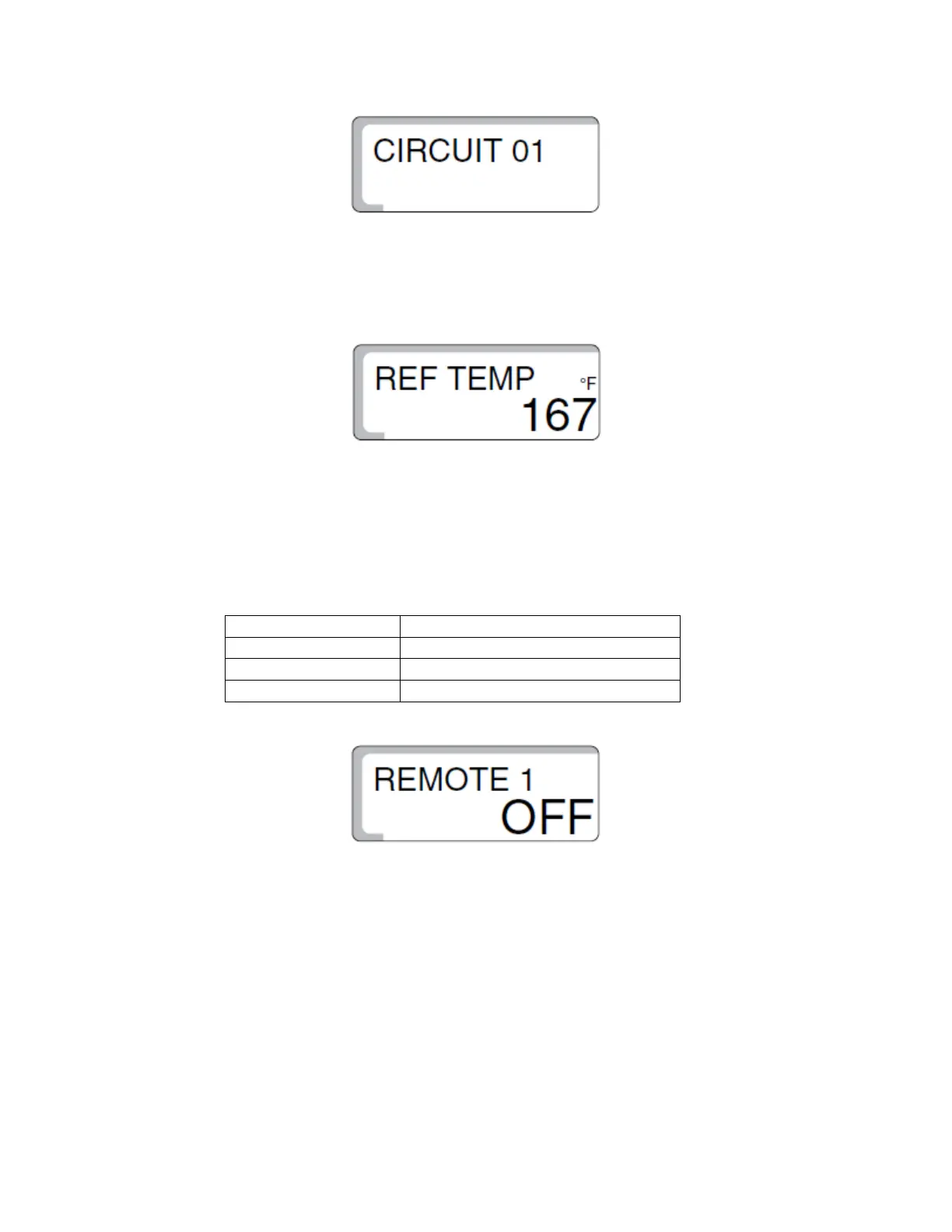
• Press the “Return Arrow” button on the control to bring you out of the “BLR
TEMP” submenu. “BLR TEMP” will now be displayed. Turn the dial one click to
the right so that “CIRCUIT 1” is displayed. Press the “Enter” button to open its
submenu.
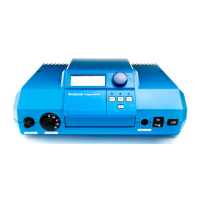
• “REF TEMP” will now be displayed. Reference temperature is the desired heating
supply temperature when it is 14°F outside. Factory setting is 167°F. To adjust
this setting, press and hold the “Enter” button while spinning the dial until you
reach your desired setting, then let go of the “Enter” button.
! For higher temperature systems such as baseboard, radiators, and fan
coils, you should raise this setting to these suggested values:
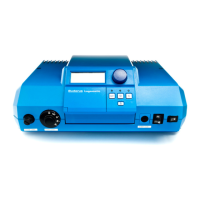
• Spin the dial one click to the right, “REMOTE 1” will be displayed. This setting
will tell the control if there is a Buderus BFU room sensor installed or not.
Factory setting is “OFF.” To turn on, press and hold the “Enter” while spinning
the dial. Release “Enter” button when “ON” is displayed. If sensor is not
present, leave in the “OFF” position.


 To Next Page