!
!
! !
!
!
!
!
!
!
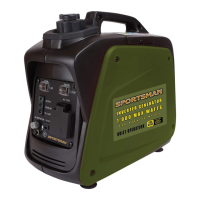
D5')!is a Gasoline Powered Invertor Generator!,57,!/--(+)!*2(7%!1/4(+!-/+!electronics.
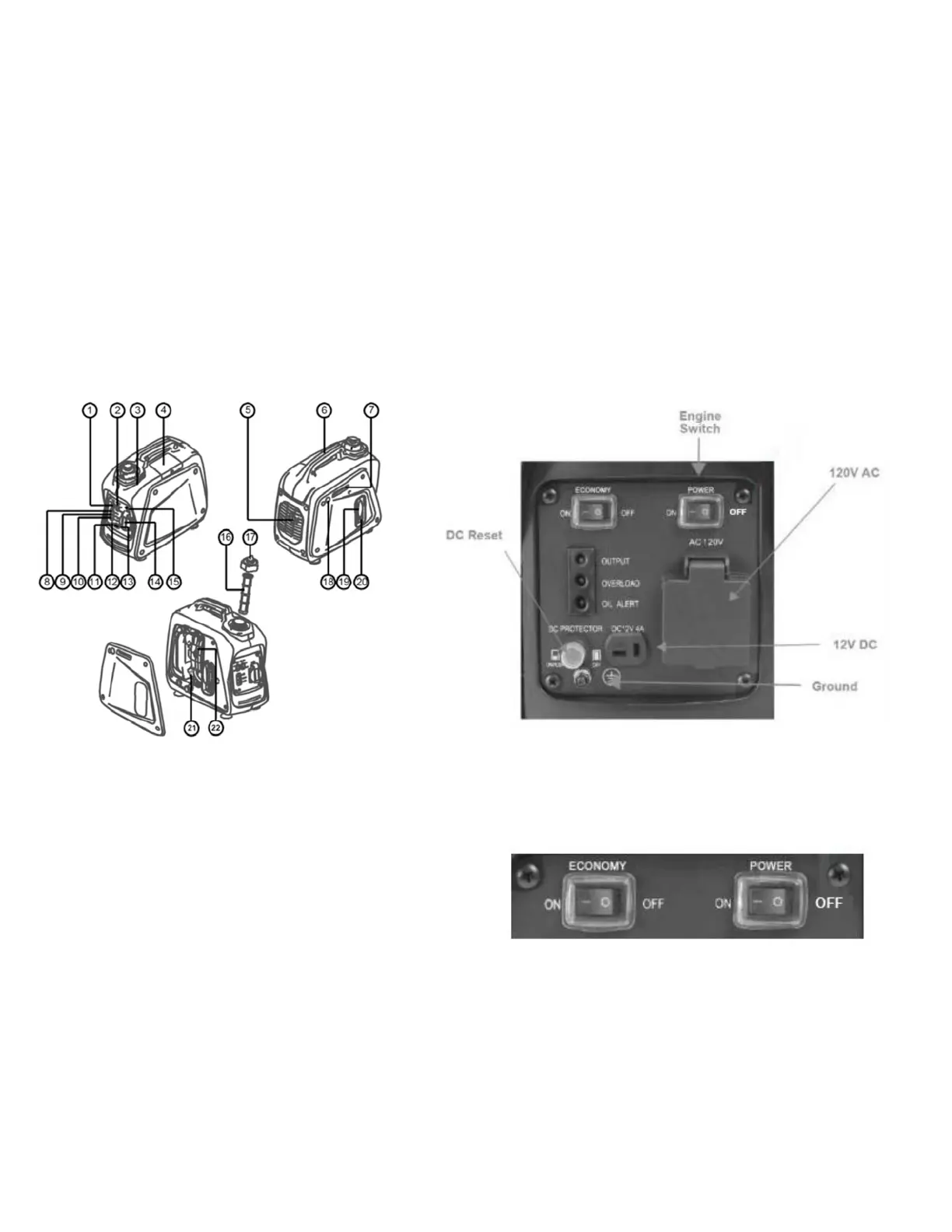
1) ENGINE SWITCH
The engine switch controls the ignition system.
To Start generator, turn POWER switch ON. Then the
engine can be started by sliding Choke lever to CHOKE
then pull Recoil. Allow engine to run for a few seconds
then slide the Choke Lever to OFF.
To Stop generator, press POWER switch to STOP. The engine will not run.
2) ECONOMY CONTROL SWITCH
When the economy control switch is turned “ON”, the economy control unit controls the engine speed according to the connected
load. The results are better fuel connection and less noise. (Turn OFF when using less voltage.)


 To Next Page