4
HD-LBU2 User Manual
•
When the driver for this unit is installed, devices are added to [Device Manager].
To display Device Manager, follow the instructions below:
Windows 7/Vista .................................... Click [Start], right-click [Computer], and click [Manage]. When "A program
needs your permission to continue" is displayed, click [Continue] or [Yes] and
then [Device Manager].
Windows XP ............................................. Click [Start] and right-click [My Computer].
Click [Manage] and then [Device Manager].
Location to be added Device name to be added
Universal Serial Bus controllers
USB Mass Storage Device
Disk drives
BUFFALO External HDD USB Device
This device becomes hot
This device is designed to release heat through its case. The surface of the case may become quite
hot in normal use. Even when the unit is o, the case may still be warm from standby current. If
heat is trapped in the unit and not allowed to escape, the drive may malfunction.
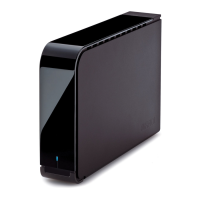
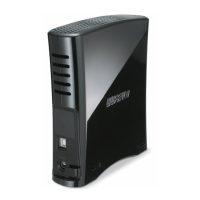
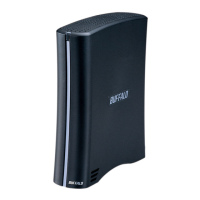
• Do not stack multiple DriveStation units.
• Do not cover the DriveStation with anything that might trap heat, such as a cloth.
• Do not place any object which blocks the release of heat near the DriveStation.











 To Next Page