
 Need help?
Do you have a question about the Buffalo HD-LXU3 and is the answer not in the manual?
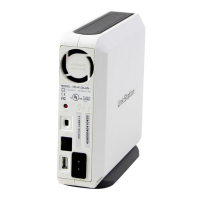
Details the physical parts and indicators of the DriveStation, including LED status.
Lists critical precautions to avoid data damage and ensure proper operation, including LED blinking states.
Procedure to reset the DriveStation to factory defaults, erasing data and passwords. Requires Windows.
Step-by-step guide for installing optional software packages like Buffalo Tools and utilities via DriveNavigator.









 To Next Page
 General