10
Accessing the User Interface
4
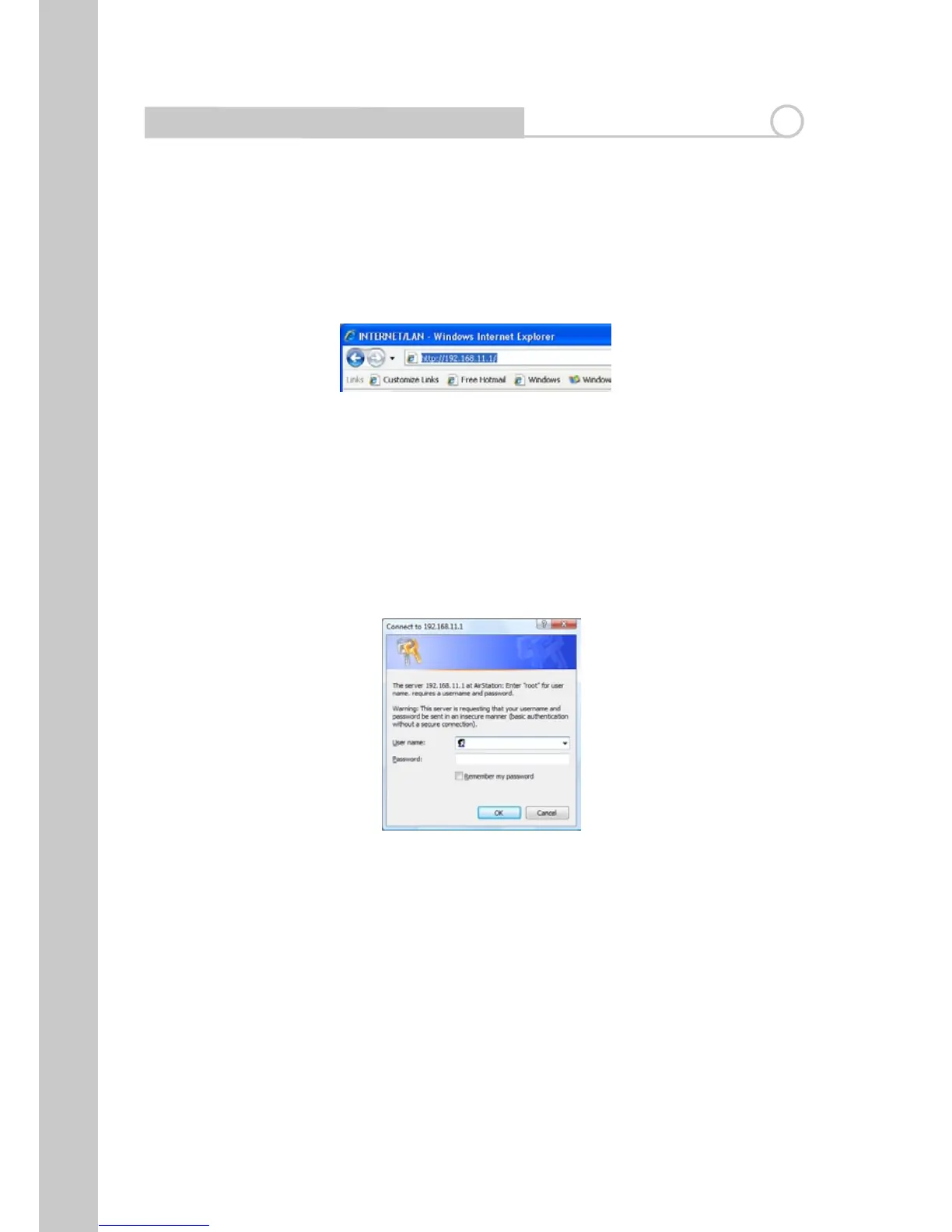
1. You can access the web-based management user interface of the Router
using the Internet browser on a computer connected to the Router. Type
“http://192.168.11.1” in your browser’s address bar. Then press the “Enter”
key.
Note: It is strongly recommended that you use a computer physically
connectedtotheRouterwithanRJ45cableforinitialsetup.Usingawirelessly
connected computer for initial setup is not recommended.
2. The following screen will appear in your browser to prompt you to log in.
The default User Name is “root” and the default Password is blank. Click on
the “OK” button to log in.
Note: It is strongly recommended that you set a password for increased
security.


 To Next Page
 Loading...








