11
Understanding the Web-Based User Interface
5
Quick-NavigationTabs-YoucangodirectlytoanyoftheRouter’sUIpages
byclickingdirectlyontheselinks.Thelinksaredividedintologicalcategories
and grouped by tabs to make nding a particular setting easier to nd.
Helpisavailabletotherightofeachpage.
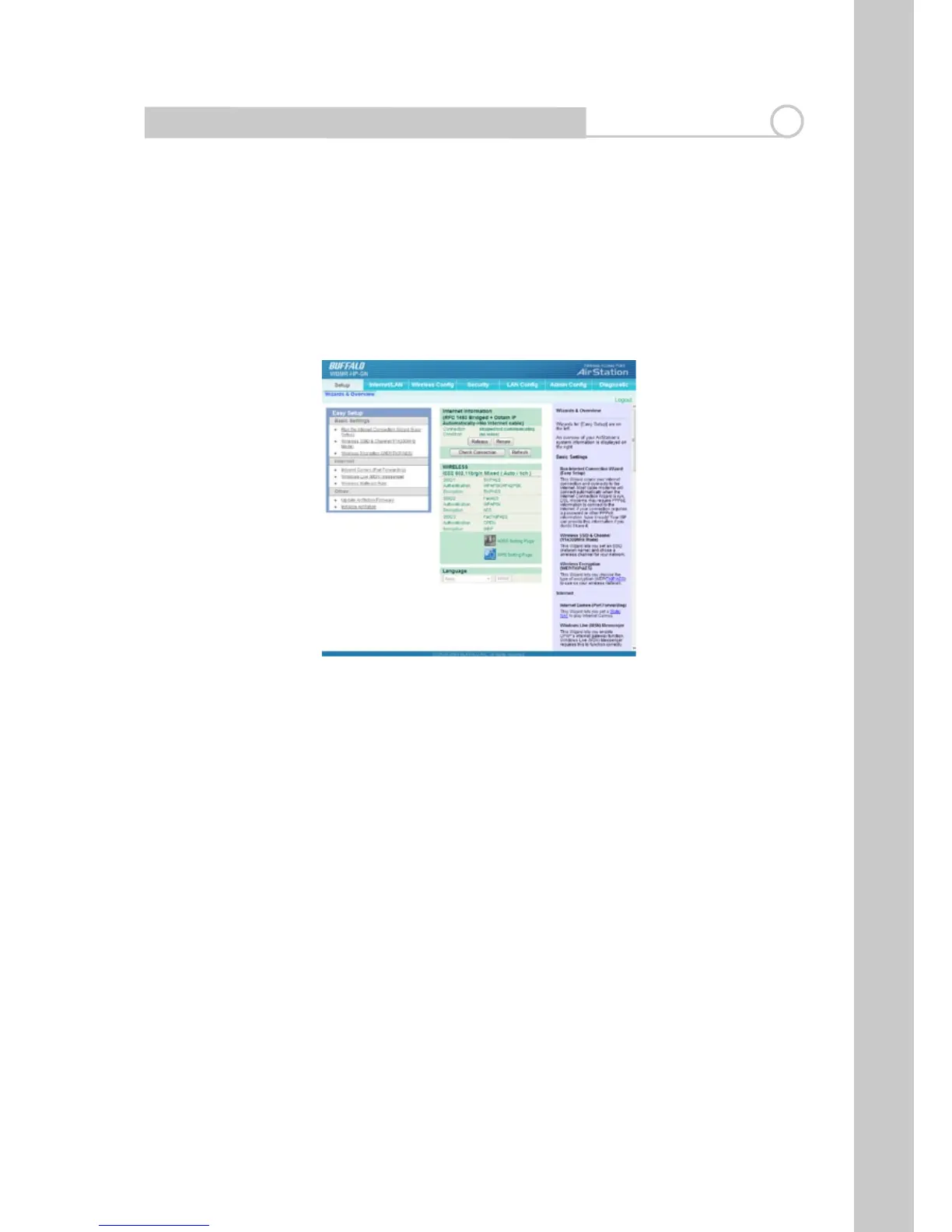
Setup
Thepaneltotheleftofthispagecontainssetupwizardstoallowyouto
quicklyandconvenientlymakechangestoyourmodemrouterconguration.
Wizardsareprovidedforthefollowingfeatures:
•InternetConnection-ThisWizardscansyourInternetconnectionand
connects to the Internet. Most cable modems will connect automatically
whentheInternetConnectionWizardisrun.DSLmodemsmayrequire
PPPoEinformationtoconnecttotheInternet.Ifyourconnectionrequiresa
passwordorotherPPPoEinformation,haveitready!YourISPcanprovidethis
informationifyoudon’thaveit.
•WirelessSSID-ThisWizardletsyousetanSSID(networkname)andchosea
wireless channel for your network.
•WirelessEncryption-ThisWizardletsyouchoosethetypeofencryptionto
use on your wireless network.
•Portforwarding-ThisWizardletsyousetaStaticNATtoplayInternet
Games.
•WindowsLiveMessengerSettings-ThisWizardletsyouenableUPnP’s
Internetgatewayfunction.WindowsLive(MSN)Messengerrequiresthisto


 To Next Page
 Loading...








