12
function correctly.
•WirelessMulticastRate-ThisWizardsetstheWirelessMulticastRateand
IPv6PassThrough.
•FirmwareUpdate–ThiswizardinstallsanAirStationFirmwareupdate.
•Initialisation-ThisWizardrestorestheAirStationtofactorydefaultsettings.
AnoverviewofyourAirStation’ssysteminformationisdisplayedontheright.
The wireless section displays the status and encryption settings of your
wireless LAN access point.
ShortcutsarealsoavailableforAOSSandWPSconnectionmethods.
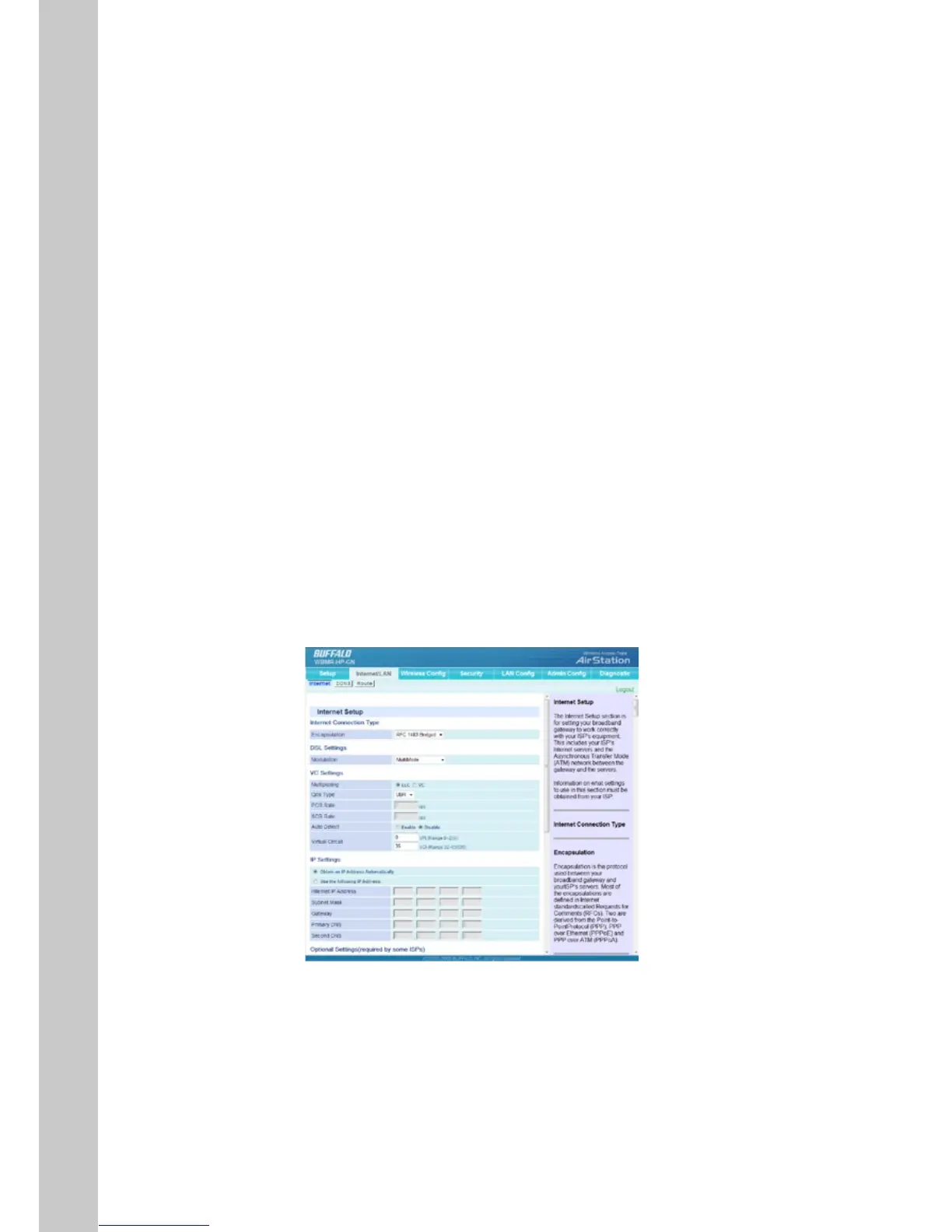
Internet/LAN
Internet
The Internet Setup section is for setting your broadband gateway to work
correctlywithyourISP’sequipment.ThisincludesyourISP’sInternetservers
andtheAsynchronousTransferMode(ATM)networkbetweenthegateway
andtheservers.
Note: Information on what settings to use in this section must be obtained
from your ISP.
The “Internet/LAN” tab is where you will set up your Router to connect to your
InternetServiceProvider.


 To Next Page
 Loading...








