15
localIPaddress.NATisenabled(turnedon)bydefault.Disableitifyoudonot
need it.
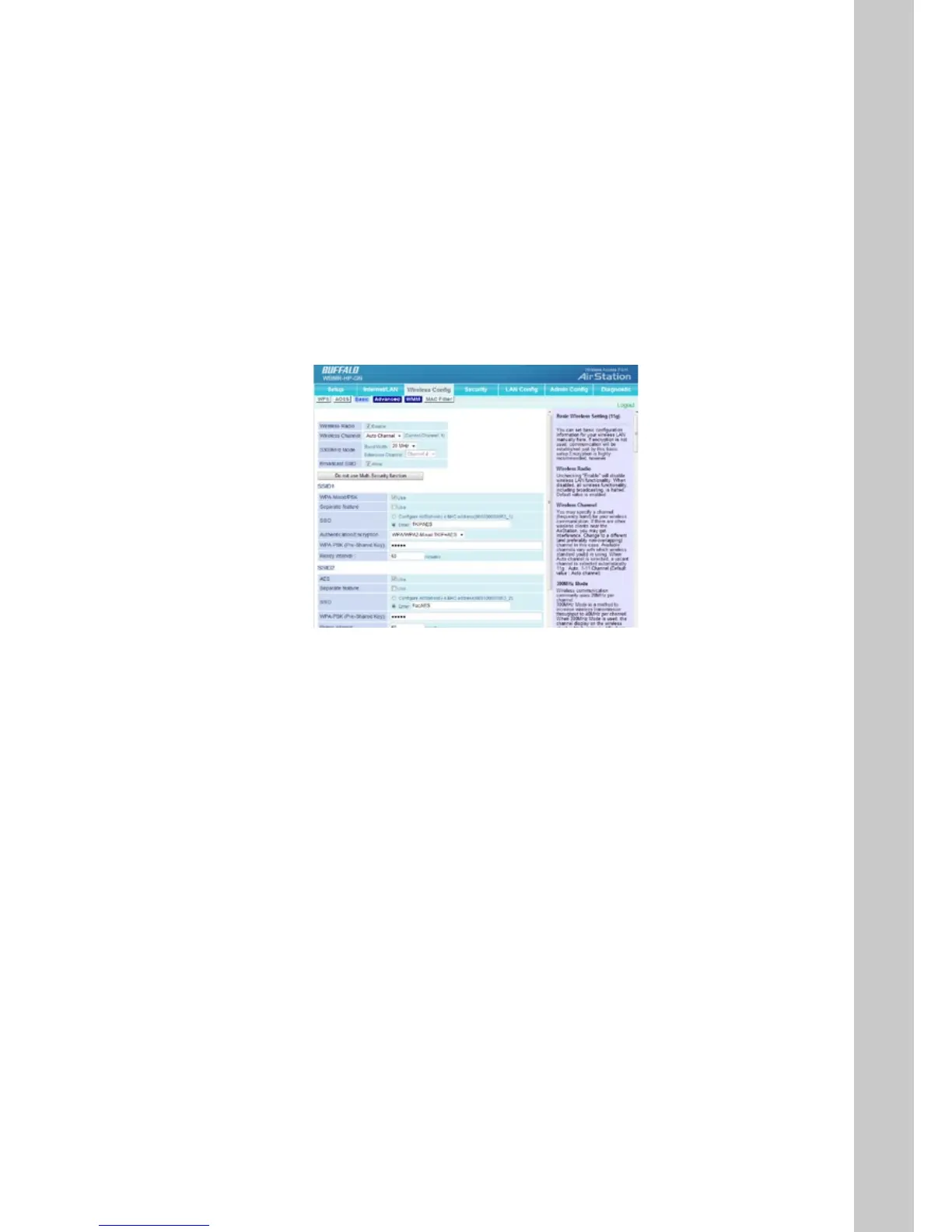
Wireless Cong
ForinformationonconguringaconnectionwithWPSorAOSS,pleaserefer
to the earlier sections of the manual which describe how to use these meth-
ods to establish a wireless connection.
Basic
The “Basic” tab lets you make changes to the wireless network settings - wire-
lessnetworkname(SSID),radio,operatingchannelandsecuritylevel.
Wireless Radio
Select Disable to turn o wireless networking, or select the type of wireless
networkyouaresettingup:Mixed(with11b,11gandDraft11nclients),
BG-Mixed(withonly11band11gclients),orsolely11b,11gorDraft11n
clients. Using the correct setting here ensures that the network will work as
eciently as possible.
Wireless Channel
Your Router is congured to operate on the proper channels for the country
you reside in. If there are other wireless networks operating in your area,
your network should be set to operate on a channel that is dierent than the
other wireless networks. For best performance, use a channel that is at least
vechannelsawayfromtheotherwirelessnetworks.Forinstance,ifanother
network is operating on channel 11, then set your network to channel 6 or
below.



 To Next Page
 Loading...







