only
reduce the volume of the loudspeaker, but stress on the power stage is not reduce dwhen switching to 1 or 0.1 W.
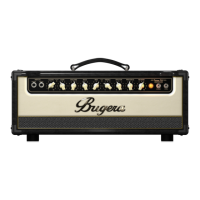
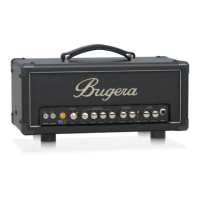
V5 INFINIUM Controls
Step 2: Controls
POWER SOURCE – Connect the included IEC cable to this socket and to a mains outlet.
INFINIUM LED – Lights permanently when the power tube needs to be replaced
POWER ATTENUATOR – switch selects between 5 watt, 1 watt or 0.1 watt mode.
SPEAKER OUTPUT – Connect the built-in speaker or an external speaker cab to
this jack using a ¼” speaker cable. DO NOT use an instrument cable.
V5 INFINIUM Getting started
Step 3: Getting started
1. Turn the volume control down to 0 (all the way left).
2. Select the proper levels with the OPERATING LEVEL buttons to suit your application.



 To Next Page