DIC Operation and Displays
The DIC has different modes which can be accessed by
pressing the DIC buttons located on the center of the
instrument panel. Depending on whether your vehicle
has the base level or uplevel DIC, the buttons and
modes available will differ.
The base level buttons are the trip/odometer and
English/Metric buttons.
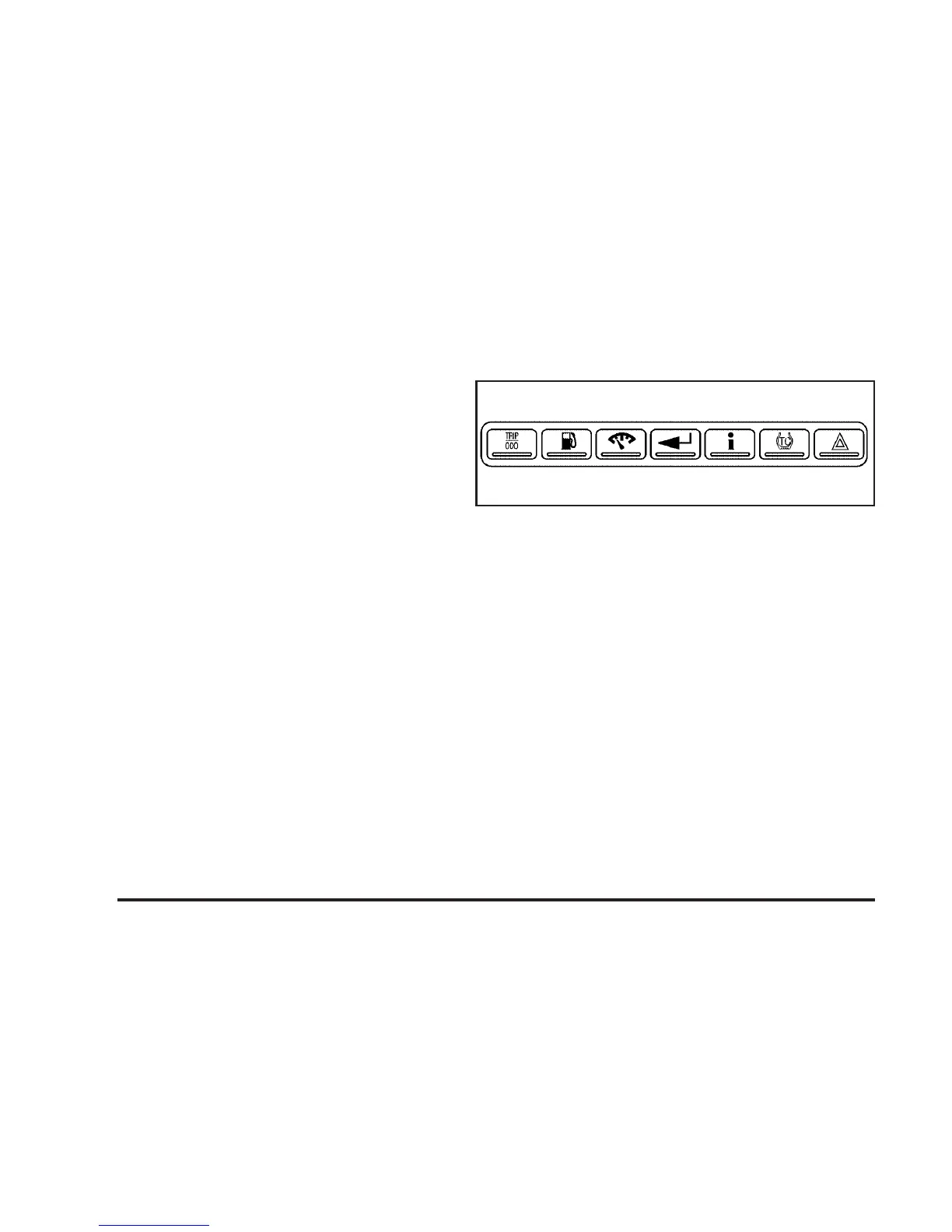
The uplevel buttons are the trip/odometer, fuel, gages,
set/reset, and option buttons.
The button functions are detailed in the following pages.
DIC Buttons
TRIP/ODO (Trip/Odometer): For vehicles with the
base level DIC, press this button to display the odometer
and trip distance.
For vehicles with the uplevel DIC, press this button to
display the odometer, trip distance, time elapsed,
and average speed.
E/M (English/Metric)**: For vehicles with the base
level DIC, press this button to select between English or
Metric units.
For vehicles with the uplevel DIC, to select between
English or Metric units, see “Units” later in this section.
. (Fuel)*: Press this button to display the fuel
range and average fuel economy.
Uplevel shown
3-50


 To Next Page
 Loading...