23
ECM TUNER
Introduction
Updating
Physical
Installation
Installing the
Tune
Uninstalling
the Tune
Operating the
HDGT
More
Information
Make SURE the Battery is Charged
DO make sure that your batteries are fully charged before beginning
any download.
• It is a good idea to have a battery charger ready to
connect to your vehicle if the batteries begin to lose
their charge while you are installing the tune.
Make SURE that the Tuner is Ready
DO update your ECM Tuner.
• Updating requires a computer with Internet access.
Do install the microSD memory card into the ECM Tuner.
DO make sure that the tune has not already been installed.
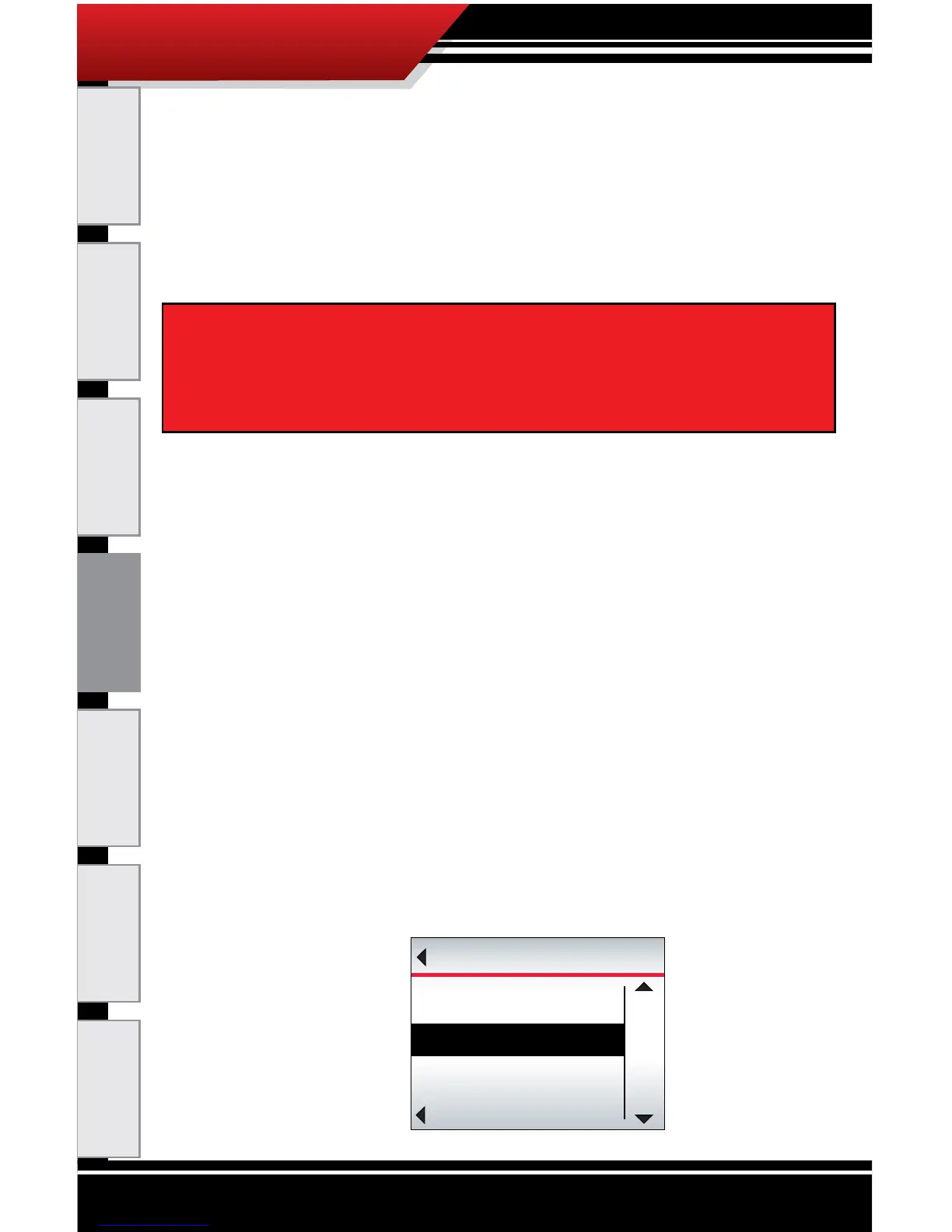
1. Go to the Main Menu on the ECM Tuner.
‣ From the Main Menu, press the top left button on
the ECM Tuner.
2. Choose the Show Settings option.
‣ Use the buttons on the right to highlight Show
Settings.
‣ Use the bottom left button to Select the highlighted
option.
IMPORTANT NOTE: It is very important that the tuner is not
interrupted while it is writing to your engine computer – if the
batteries die and the tune is interrupted it could prevent you
from being able to start your vehicle.
Go Back
MAIN MENU
UP
DOWN
SELECT
Vehicle Diagnostics
Show Settings
Uninstall Devic
e



 To Next Page