62
ECM TUNER
Introduction Updating
Physical
Installation
Installing the
Tune
Uninstalling
the Tune
Operating the
HDGT
More
Information
Vehicle Settings
Change communication protocol settings.
Vehicle Diagnostics
Read and erase Diagnostic Trouble Codes (DTCs) from the
engine computer. (The tune does not have to be installed to
use this function of the ECM Tuner.)
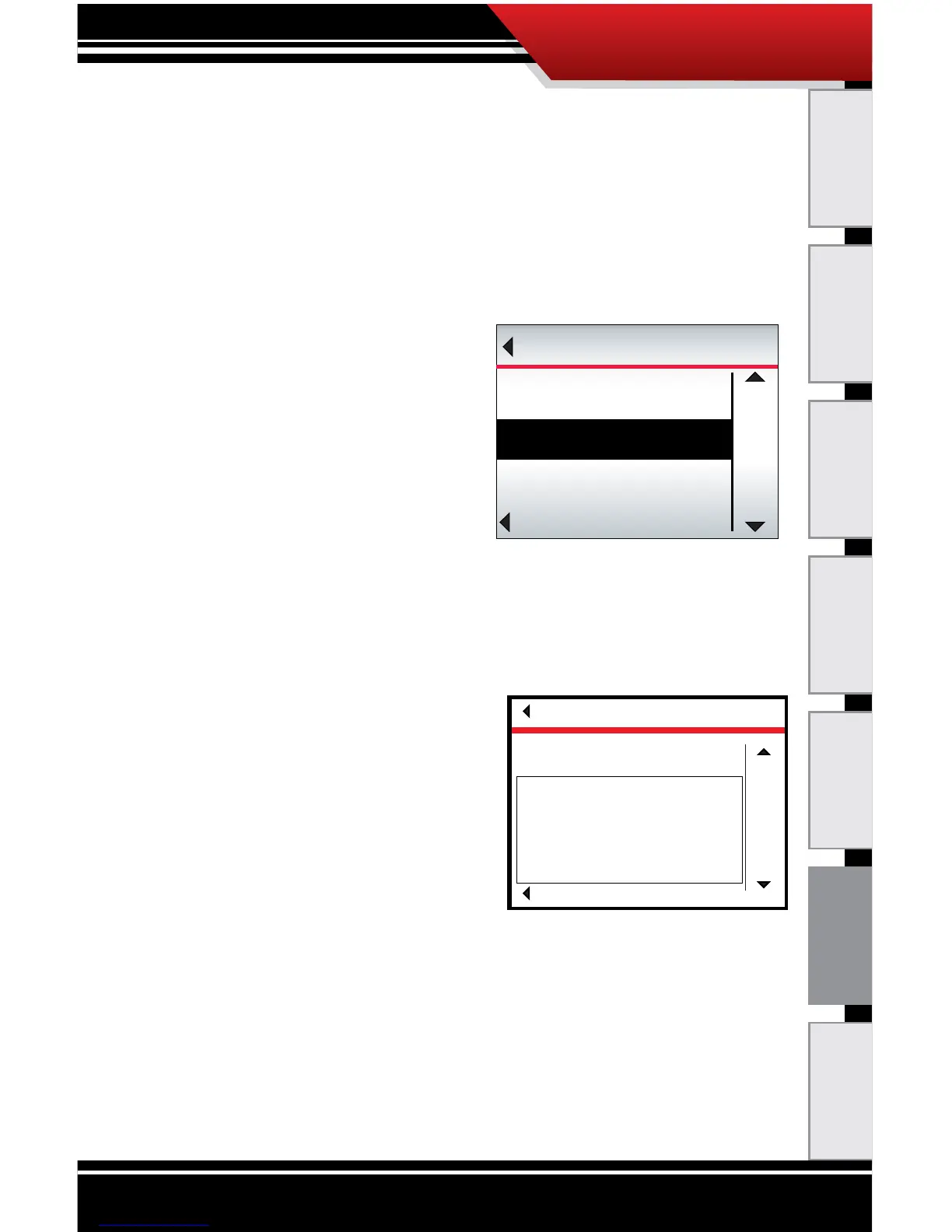
To Read DTCs:
1. Go to the Main Menu
(top left button).
2. Highlight Vehicle
Diagnostics (right button).
3. SELECT the highlighted
option (bottom left button).
4. The ECM Tuner will check for DTCs.
‣ If DTCs are detected, the ECM Tuner will display
them on the screen. Keep reading for more
information about what to do if DTCs are detected..
‣ If no DTCs are found, the
ECM Tuner will display a
message that no codes
are present.
‣ If the ECM Tuner reports
an “Error reading codes,”
contact technical
support.
5. To exit, press Go Back (top left button).
What to do if DTCs are detected:
• Write down the code number and any description that
is displayed.
• It is a good idea to discuss any codes that are detected
with an OEM certied mechanic.
Go Back
UP
DOWN
SELECT
MAIN MENU
Vehicle Settings
Vehicle Diagnostics
Show Settings
DIAGNOSTICS
Go Back
SELECT
UP
DOWN
13 Diagnostic codes found:
PID:102 FMI: 4 active
Low Voltage Detected at boost pressure sensor
SID:17 FMI: 3 active
Unknown Diagnostic code
PID:94 FMI: 4 active
Fuel Delievery Pressure sensor



 To Next Page