51
ECM TUNER
Introduction
Updating
Physical
Installation
Installing the
Tune
Uninstalling
the Tune
Operating the
HDGT
More
Information
Special Features
To access the Special Features on the ECM Tuner:
1. Turn the key to the RUN (or ON) position.
‣ Do NOT start the engine.
2. Go to the Main Menu (top left button).
3. Choose Special Features.
a. Use the buttons on the right to scroll up and down the
Main Menu and highlight Special Features.
b. Press the bottom left button to SELECT the highlighted
option.
4. Verify that the key is in the RUN position.
a. Press Continue (top right button).
5. The ECM Tuner will gather data from your vehicle.
‣ Do NOT interrupt this process.
‣ Do not disconnect the ECM Tuner or cycle the key.
6. Once the ECM Tuner has nished gathering data from your
vehicle, it will display the Special Features screen.
‣ The screen will change depending on which features are
available for your vehicle.
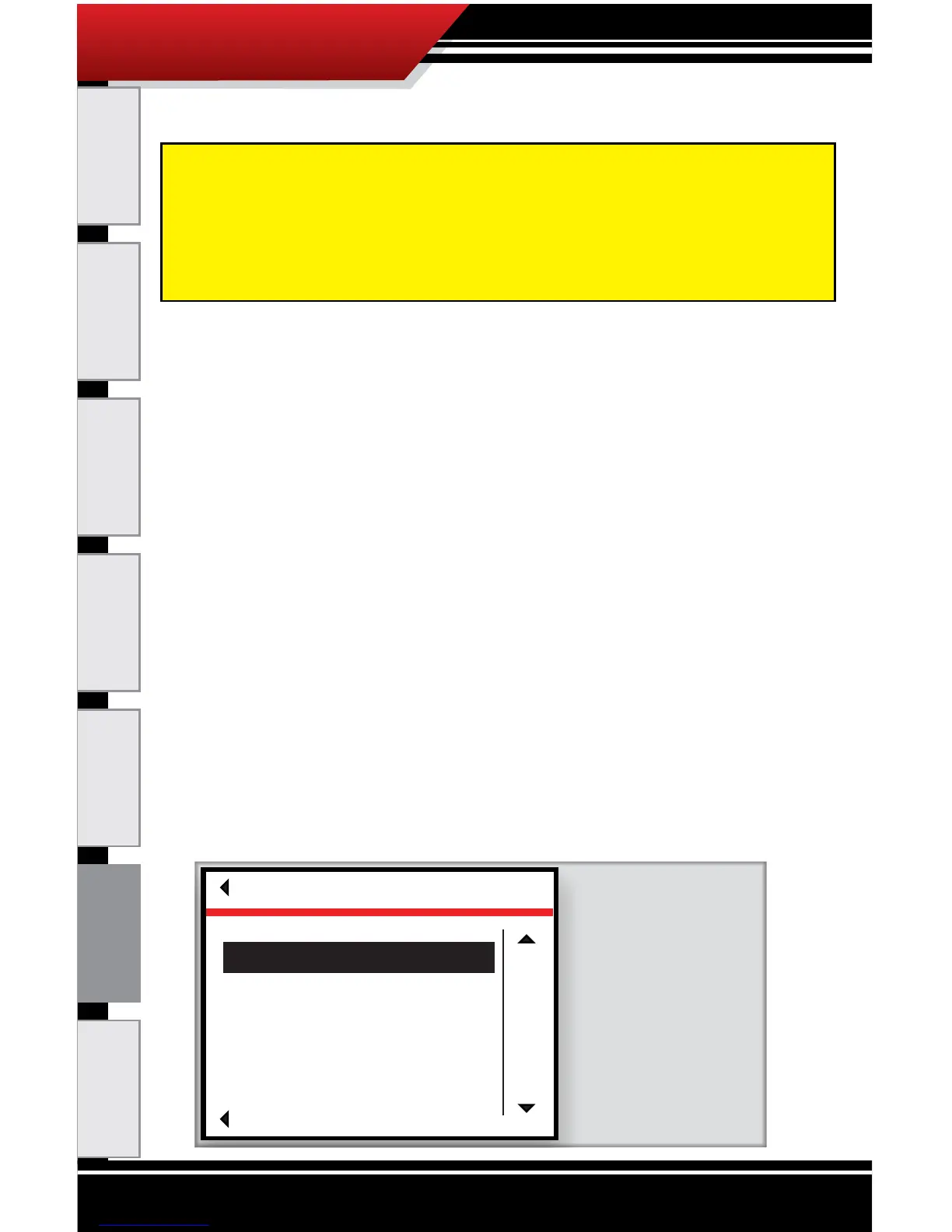
‣ It will look similar to the illustration below:
The special features described in this section are not available for every
vehicle. If a feature is available for a vehicle, then it will appear in the
Special Features menu on the ECM Tuner. In order to access the Special
Features, the correct vehicle application must be selected on the ECM
Tuner; the special features list will change based on the vehicle that has
been selected.
SPECIAL FEATURES
Go Back
SELECT
UP
DOWN
Current Original
Speed Limiter 74 75
Cruise Low 15 30
Cruise High 74 73
Idle Timer 0 0
Modifying these features will lock device
to this vehicle. Unlock by returning to
original settings.
Current refers to the value
that is currently programed
into the engine computer.
Original refers to the stock
vehicle setting.
To modify the current
programmed value for any
of the available special
features highlight the
special feature using the
right scroll buttons and hit
select.



 To Next Page