64
ECM TUNER
Introduction Updating
Physical
Installation
Installing the
Tune
Uninstalling
the Tune
Operating the
HDGT
More
Information
Update Device Software
Complete the update process by transferring les from the
microSD memory card to the ECM Tuner.
Change Vehicle/Engine
Specify the vehicle engine type.
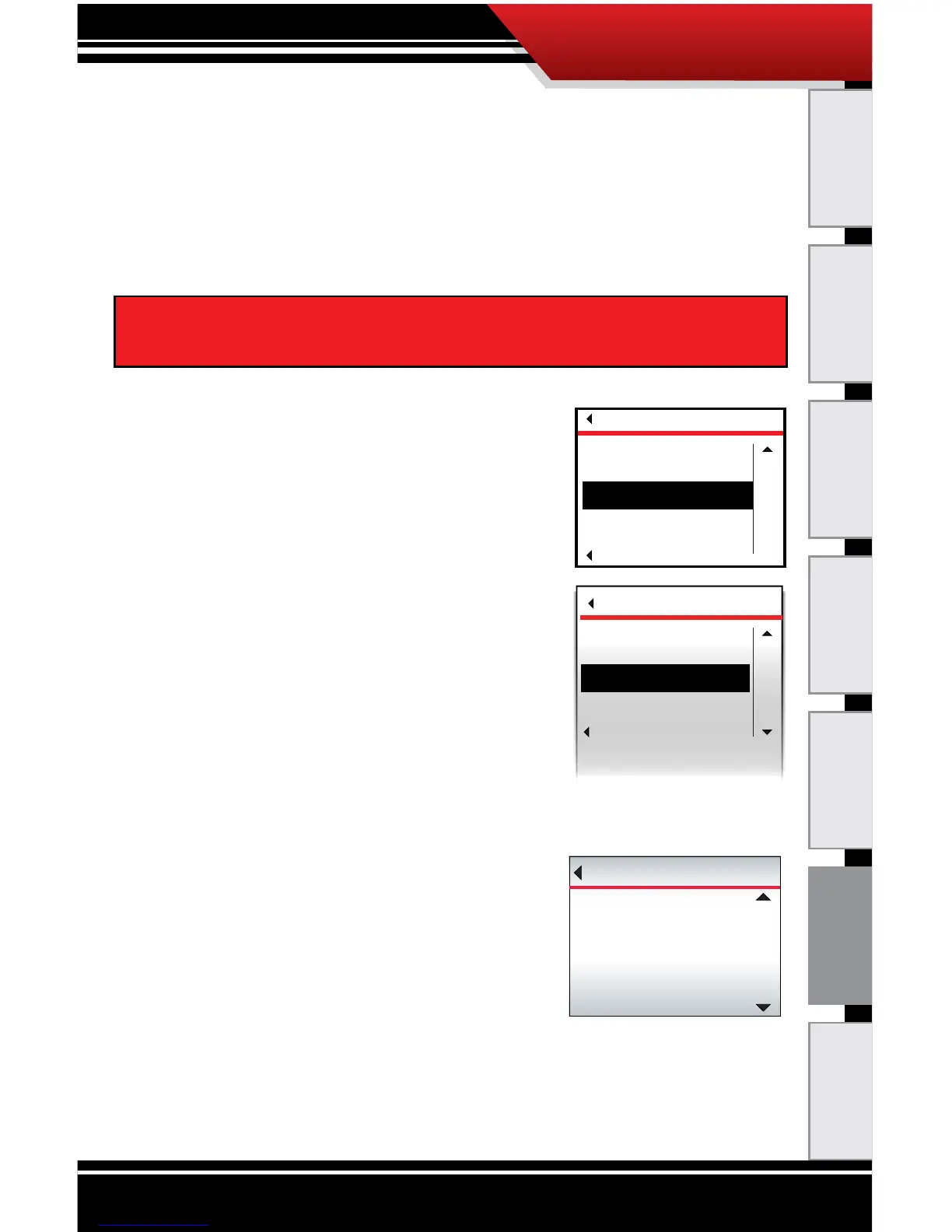
To Change the Vehicle/Engine:
1. Go to the Main Menu
(top left button).
2. Highlight Change Vehicle/Engine
(right buttons).
3. SELECT the highlighted option
(bottom left button).
4. Highlight the correct vehicle/engine
type (right buttons).
5. SELECT the highlighted option
(bottom left button).
6. Highlight the correct engine type/
year (right buttons).
7. SELECT the highlighted option (bottom left button).
8. Press YES to conrm the le and
continue (top right button).
‣ To exit without changing the
vehicle type, press NO (bottom
right button) or Go Back (top
left button).
9. The ECM Tuner will load the vehicle les and reboot.
‣ Do NOT interrupt the ECM Tuner during this
process.
IMPORTANT NOTE: The correct vehicle MUST be selected, or
none of the ECM Tuner functions will work properly.
MAIN MENU
Go Back
SELECT
UP
Update Device Software
Change Vehicle/Engine
VEHICLES
Go Back
Select
up
DOWN
Caterpillar
CUMMINS
DETROIT
PACCAR



 To Next Page