30
ECM TUNER
Introduction Updating
Physical
Installation
Installing the
Tune
Uninstalling
the Tune
Operating the
HDGT
More
Information
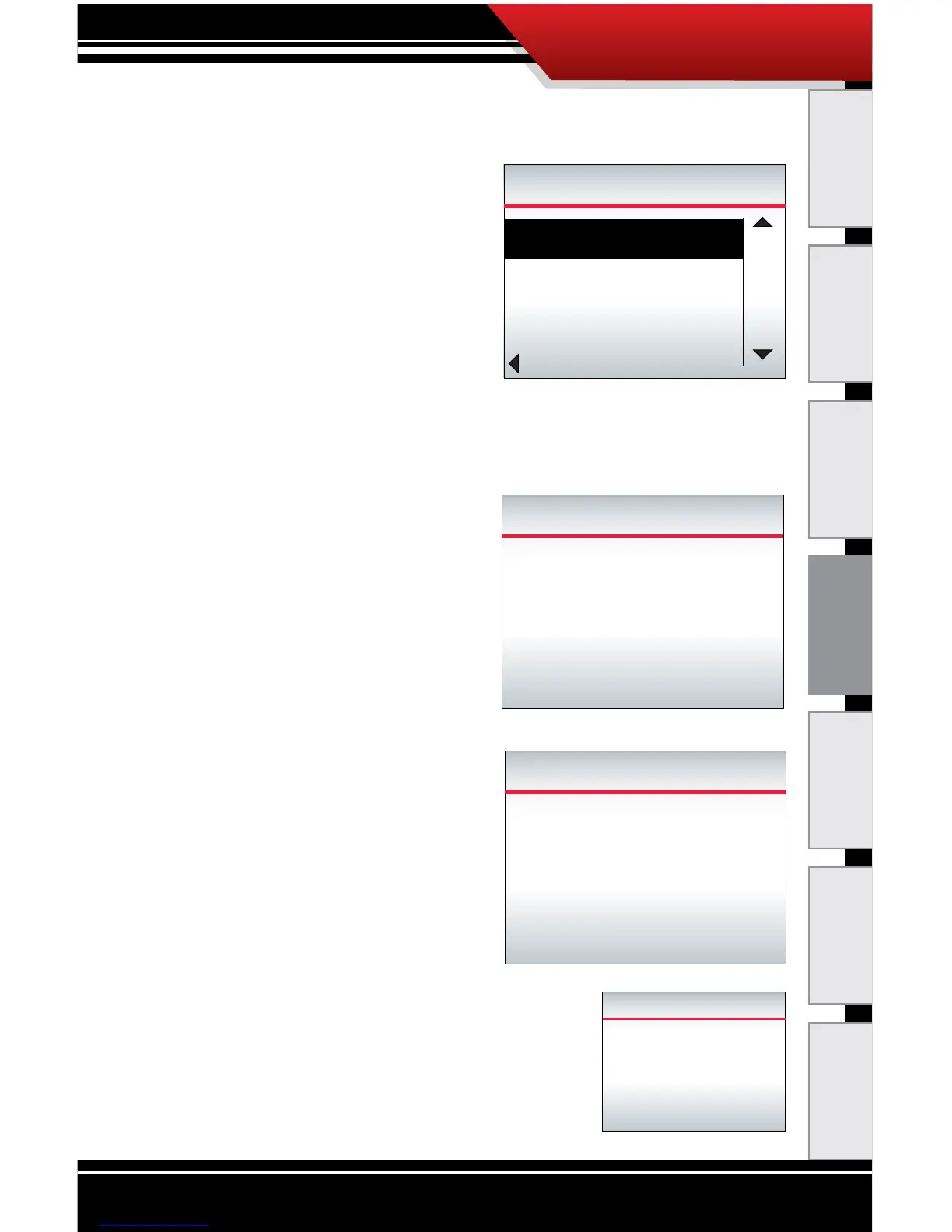
19. When the ECM Tuner is nished reading the le, it will
prompt you to select a tune.
‣ Choose between Stock,
Economy, Power/
Economy and Power.
‣ Use the buttons on the
right to highlight the
tune you want.
‣ Press the bottom left
button to Select the highlighted tune and continue.
20. The ECM Tuner will process the calibration.
‣ The ECM Tuner will
show a percentage
counter to track its
progress.
‣ Do NOT interrupt the
ECM Tuner.
21. The ECM Tuner will read the calibration.
‣ The ECM Tuner will show
a percentage counter to
track its progress.
‣ Do NOT interrupt the
ECM Tuner.
22. The ECM Tuner will congure the
vehicle.
‣ Do NOT interrupt the ECM Tuner.
Processing Calibration
7%
Setting...
Power/Econ Tune
Please wait
Do Not Unplug
Reading Calibration
45%
Please wait
Do Not Unplug
005F0000
005F2A00
005F4922
00052A00
SELECT TUNE
Stock
Economy
Economy with Power
UP
DOWN
SELECT
Conguring Vehicle
Please wait
Do Not Unplug



 To Next Page