43
ECM TUNER
Introduction
Updating
Physical
Installation
Installing the
Tune
Uninstalling
the Tune
Operating the
HDGT
More
Information
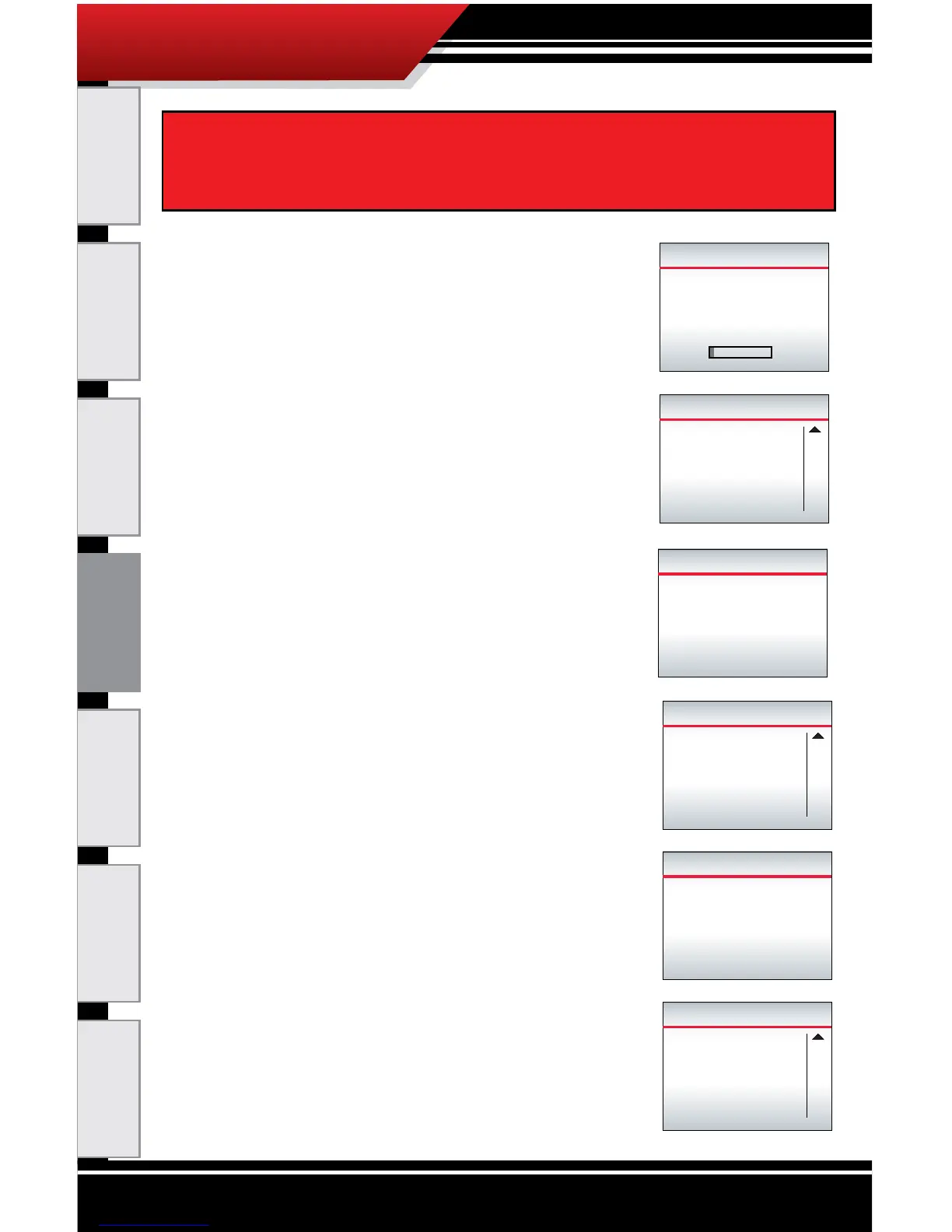
9. The ECM Tuner will build the le.
‣ This process is fast; it should take
a minute or less.
‣ Do NOT interrupt the ECM Tuner.
10. Verify that the key is in the RUN
(or ON) position.
a. Press CONTINUE (top right button).
11. The ECM Tuner will write the
calibration.
‣ Do NOT interrupt the ECM
Tuner.
12. Turn the key to the OFF position.
a. Press Continue
(top right button).
13. The ECM Tuner will nish the
download.
‣ Leave the key in the OFF position.
‣ Do NOT interrupt the ECM Tuner.
14. Turn the key to the RUN (or ON)
position.
‣ Do NOT start the engine.
a. Press Continue (top right button).
BUILDING FILE
3%
Setting...
Power/Econ Tune
Please wait
Do Not Unplug
PLEASE VERIFY KEY
IS IN THE
KEY RUN
RUN
POSITION
PRESS CONTINUE TO PROCEED
Continue
Writing Calibration
0%
Please wait
Do Not Unplug
PLEASE VERIFY KEY
IS IN THE
KEY OFF
OFF
POSITION
PRESS CONTINUE TO PROCEED
Continue
Please Wait
Finishing Download
6
Seconds
Leave Key OFF!
DO NOT UNPLUG!!!
PLEASE VERIFY KEY
IS IN THE
KEY RUN
RUN
POSITION
PRESS CONTINUE TO PROCEED
Continue
After the tune is selected, do not unplug or disturb the ECM
Tuner or vehicle in any way. If the process is interrupted, the
engine computer may need to be recovered.



 To Next Page