THE PHONO SETUP
The PHONO SETUP offers the adjustment of functions like SUBSONIC FILTER and AUTOMATIC LEVEL ADJUST.
NOTICE: This menu is only available if your preamp 077 is equipped with a PHONO MC or PHONO MM module and
the according input is selected.
The following chart provides an overview of all menu items, which can be adjusted in the PHONO SETUP. The
factory settings (defaults) are listed in brackets. Subsequent to the chart you will find a detailed description of the
menu items.
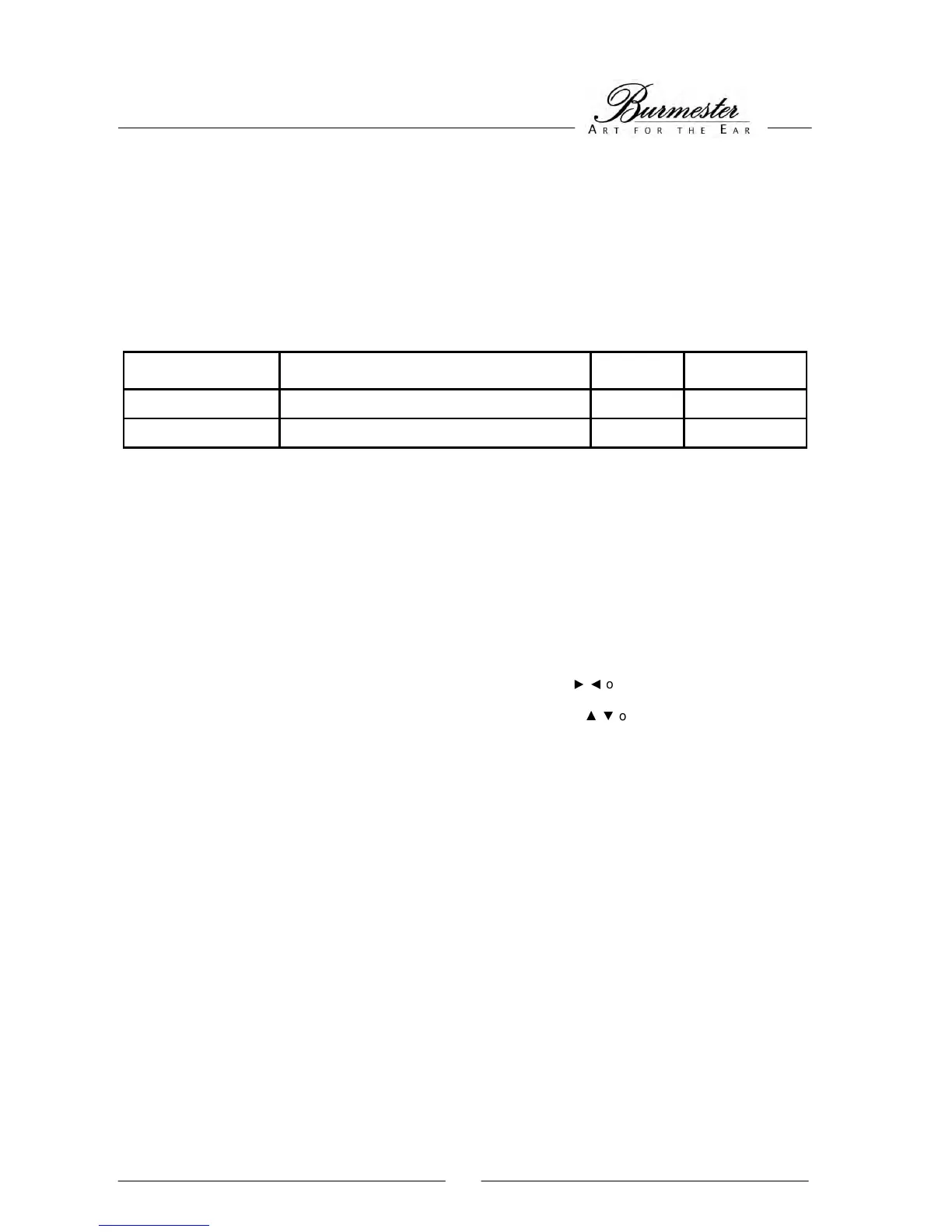
MENU ITEM DESCRIPTION DISPLAY VALUE
Subsonic filter Switches the subsonic filter on or off SUBSONIC (OFF) / ON
Level adjust Automatic level adjust right / left channel A-ADJUST
The PHONO SETUP MENU is activated by pulling up the switch key (12) on the front panel or by pressing the
AUDIO button on your remote control. The display indicates the activation by showing PHONO SETUP, followed by
the first menu item.
To exit and automatically save the menu pull up the switch key (12) or press the MENU button on your remote
control.
Subsonic filter Our subsonic filter eliminates low frequency signals, which might come from the record
player or wavy records. The subsonic filter is a 4. order high-pass filter with a cut-off
frequency of 30Hz (-3dB). Switch on the subsonic filter, if the bass membranes of your
loudspeakers are moving very slowly with a large swing.
With the left rotary switch or the navigation buttons
on your remote control choose the
menu item SUBSONIC.
With the right rotary switch or the navigation buttons
on your remote control you may
choose between:
OFF The subsonic filter is deactivated.
ON The subsonic filter is activated.



 To Next Page