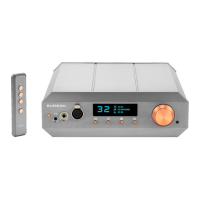
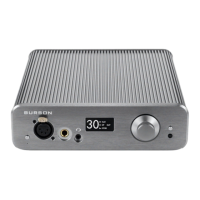
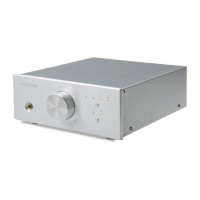
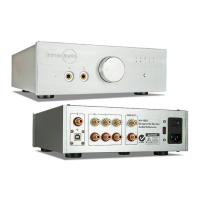
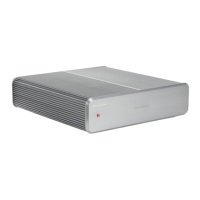
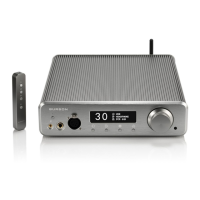
Unpacking
After carefully unpacking your Burson Soloist, inspect for any shipping damage and call your dealer
immediately if any is found. Do not plug your Burson Soloist into any outlet if you find shipping
damage. Please save all packing materials so the unit can be easily and safely shipped if the need
arises.
The Accessories
• AC power cord
• RCA Cables
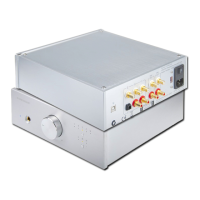
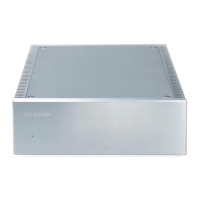
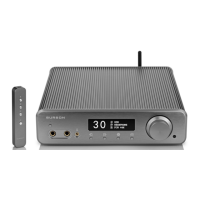
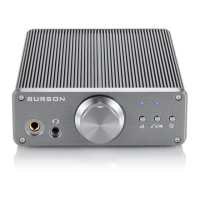
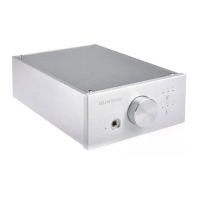
• Soloist Headphone / Pre Amp
• User manual with warranty registration instruction
Choosing a Location for the Soloist
The sound quality of all high-performance audio components can be degraded by vibration. Try to
avoid stacking other audio component on top of the Soloist and allow minimum of 1cm clearance
around the Soloist for heat regulation. For best performance, place the Burson Soloist on a solid
surface with minimized vibration.
!


 To Next Page