R
23
9 PRINTING
The Elcometer 355 can be used with EPSON compatible serial and parallel printers with the appropriate
interface leads. The setup mode may be used to select either the baud rate for serial printers or the parallel
output printing mode. If the Elcometer portable mini printer is being used, the 42 column mode should be
selected with the 8042 sub-function within the Prnt function of setup - see “Printer setup functions” on
page 13. The Full report can be shortened to PArt, which has statistics and histogram (not Batch 0).
9.1 PRINTER COMMANDS
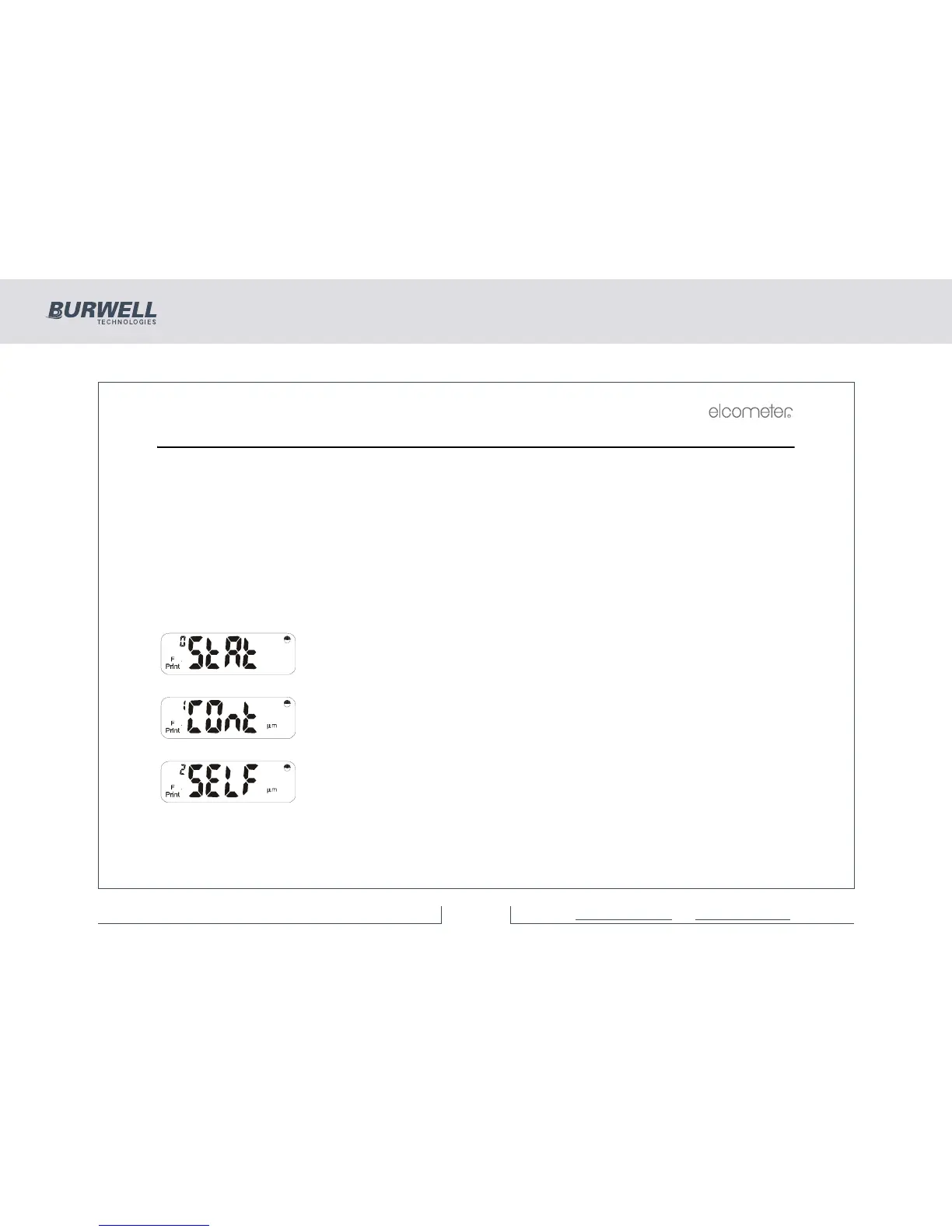
Press [PRINT] to access the printing functions:
Use [<] or [>] to move between Print modes, [ENTER] to set a particular option or [Esc] to exit.
Press [ENTER] to print statistics and histogram for current batch* or immediate
mode data.
Press [ENTER] for continuous printing mode as readings are taken.
Press [ENTER] to print a selected F batch*. Use [<] and [>] to select required F
batch. Press [ENTER] to print.



 To Next Page