R
42
17 QUICK REFERENCE GUIDE
[]
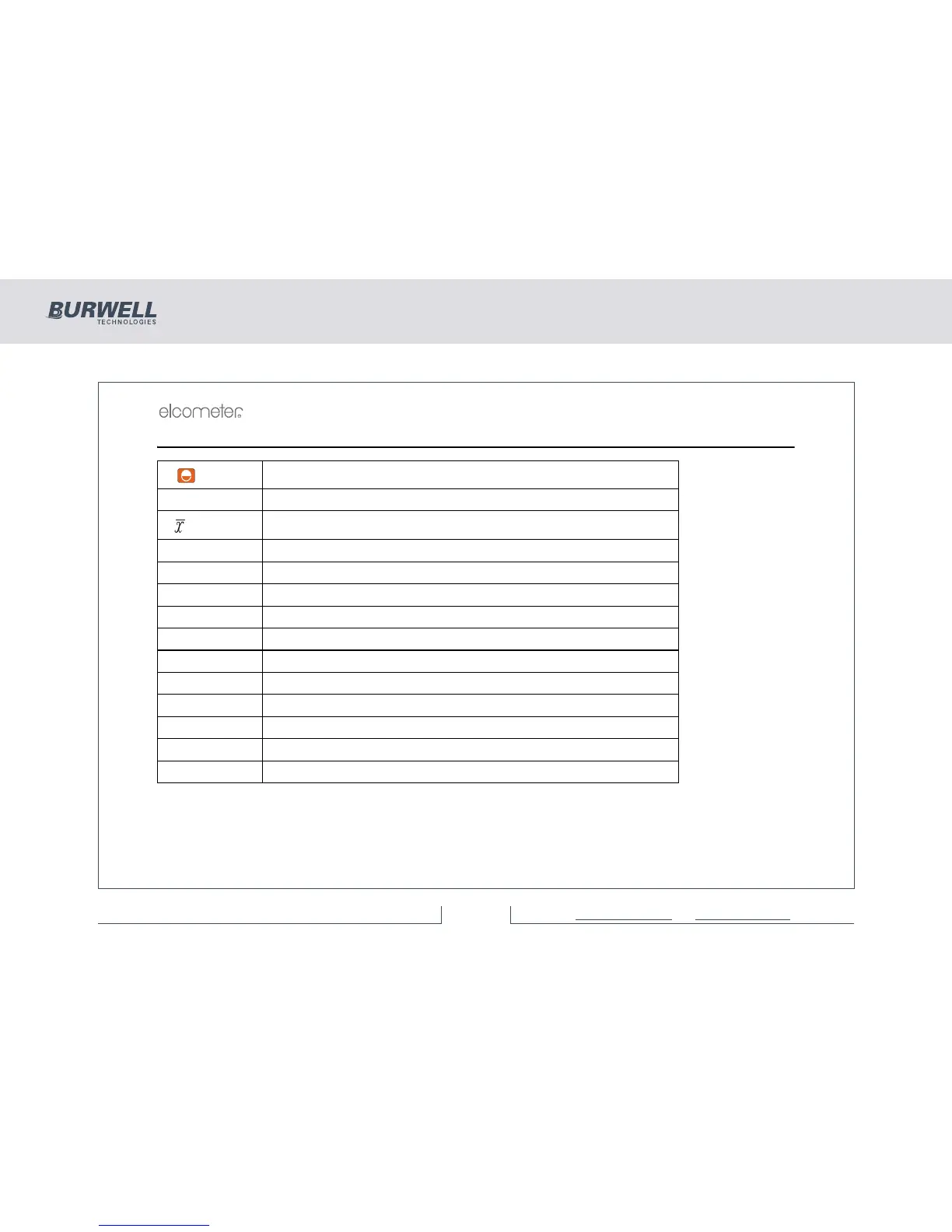
Switch on
[ENTER] Enter data or batch mode / Switch off - hold key down
[]
Display mean
[σ] Display standard deviation
[<] Display lowest reading
[>] Display highest reading
[BASE] Set lowest calibration point
[CAL] Set highest calibration point
[Esc] Escape from function
[DEL] Delete last reading
[UNITS] Select units - µm, mm, mil, thou
[PRINT] Select print modes
[CLEAR] Clears immediate mode and readings and statistics from a batch
[SETUP] Setup User defined values e.g. batch selection



 To Next Page