R
41
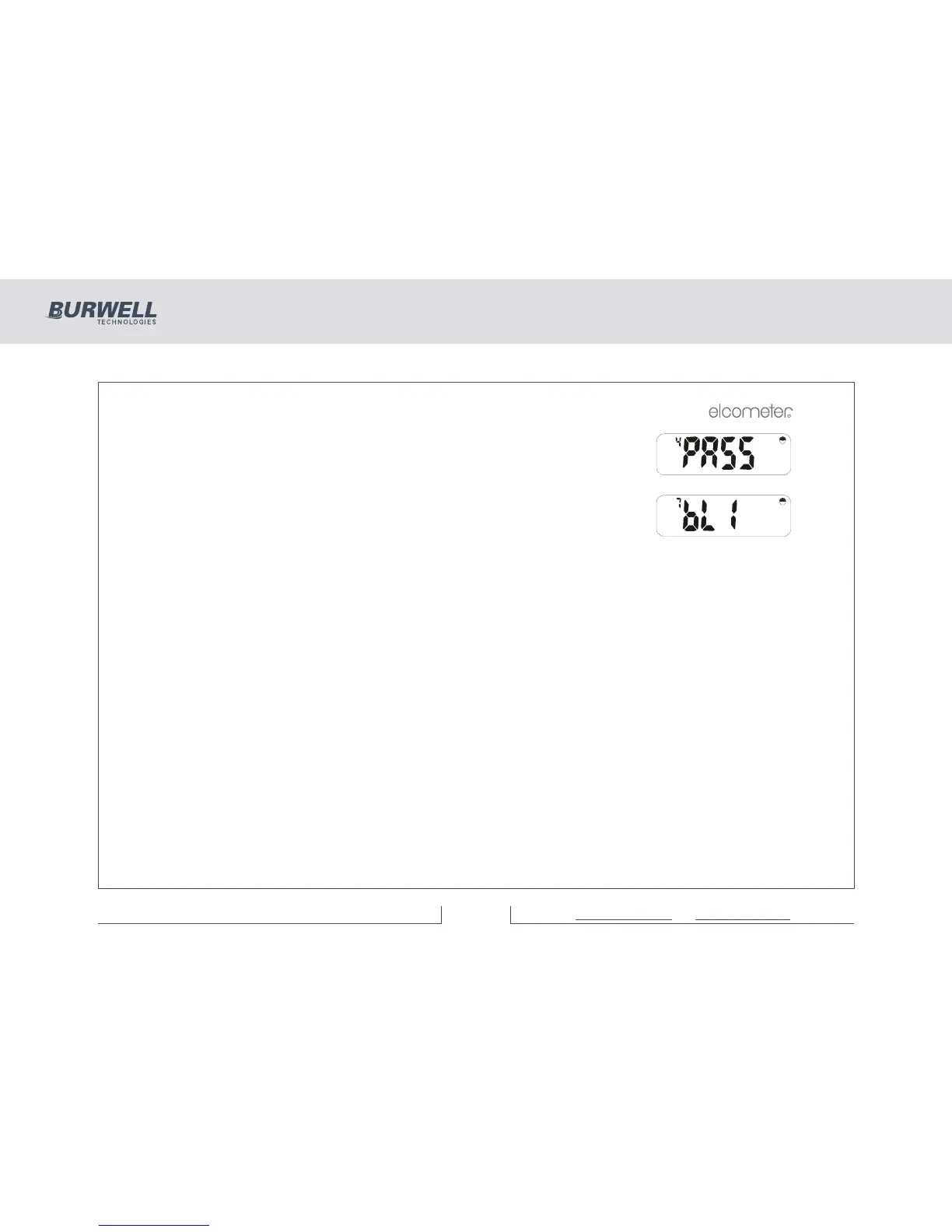
Press [>] to step through to Password Select option:
Note: This function is not available in Standard software. If [ENTER] is pressed at
this stage the instrument will return to the readings mode.
Press [SETUP] and use [>] to step through to backlight option:
Pressing [ENTER] displays current status - ‘oFF’ or ‘on’. [<] or [>] toggles between
these two options. [ENTER] selects the chosen status and returns to the ‘bLi’
display.



 To Next Page