R
40
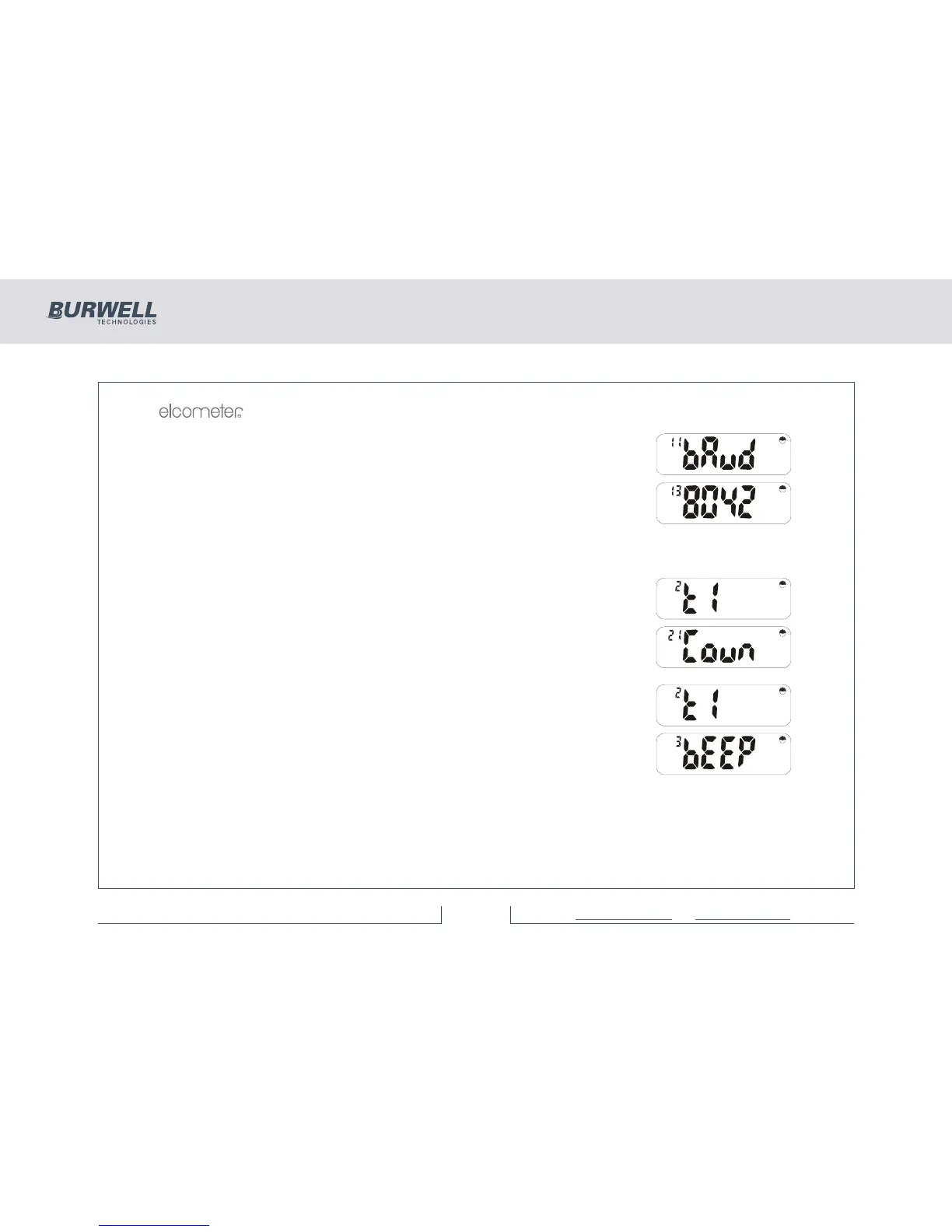
Press [ENTER] to select the printer setup, and the display will show:
Press [>] to step through the baud rate selections to:
This selects 80 column format (A4) or 42 column format (Elcometer Portable
Printer). Press [ENTER]. [<] and [>] will toggle between 80 and 42. Select 42 and
press [ENTER].
Press [SETUP] or [Esc] to return to the ‘Prnt’ display.
Press [>] to select the time and date option:
Press [ENTER].
Use [>] to select ‘dAtE’ and press [ENTER]. The day number will flash. Press
[ENTER] and the month number will flash; [ENTER] again and the year flashes.
Press [ENTER] again to return to the Sub Menu. Press [SETUP] or [Esc] to return
to:
Press [>] to step through the Main Menu to the beeper volume option:
Press [ENTER] to display the current volume, 0-4. (0=Off, 4=Loudest). Press [<]
or [>] to step through these options. Press [ENTER] to select choice and return to
the ‘bEEp’ display (or [Esc] to cancel the operation).



 To Next Page