R
10
5 BATCHES AND MEMORY
5.1 SELECTING A BATCH
Batch numbers between 1 and 25 can be selected as follows.
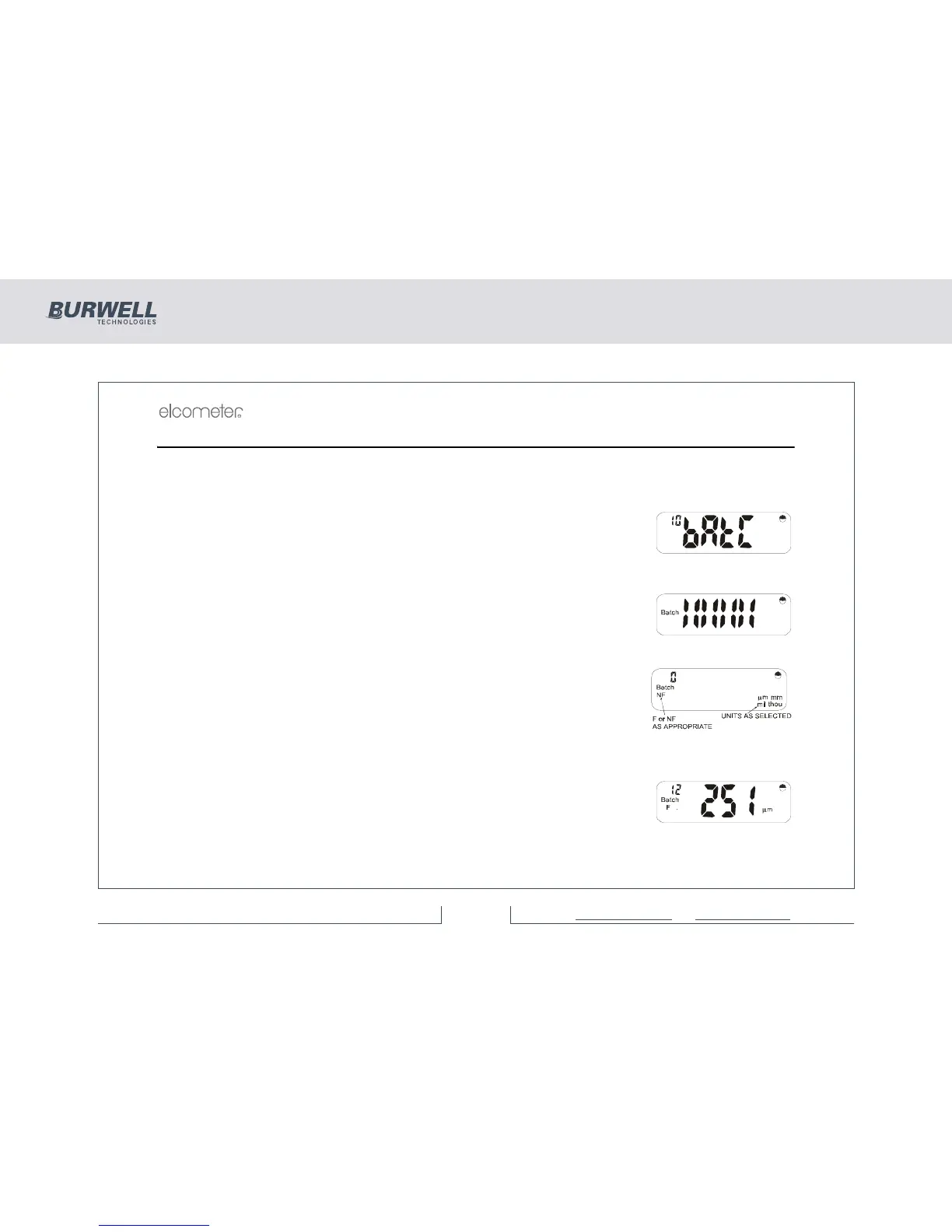
With the instrument switched on, press [SETUP]. The display will show:
If a batch is selected the batch symbol is on.
This signifies the Auto Batch Entry Menu.
Press [ENTER].
An indication of the remaining memory will be displayed:
Bars will be removed from this display as the memory is filled. The upper bars
show approximately 11% increments and the lower bars approximately 1%
increments.
If the batch is new, the display will be blank and ‘0’ will be shown as the reading
no:
Batch numbers from 1 to 25 are preset and can be shown in the display by
pressing [<] or [>] until the batch number required is visible.
When the correct batch number is displayed, press [ENTER] to load this batch in
Auto batch mode.
If data exists in the batch selected, the last reading will be displayed.



 To Next Page