R
39
16.7 Show use of ‘DEL’ and ‘CLEAR’ Controls
Set up Batch 2 by pressing [SETUP] [ENTER], adjusting the display to read ‘2’ using [>] and pressing
[ENTER]. (The ‘batch’ symbol will always flash until [ENTER] is pressed).
Take a set of readings as before. Now press [DEL] and note that the last reading is deleted.
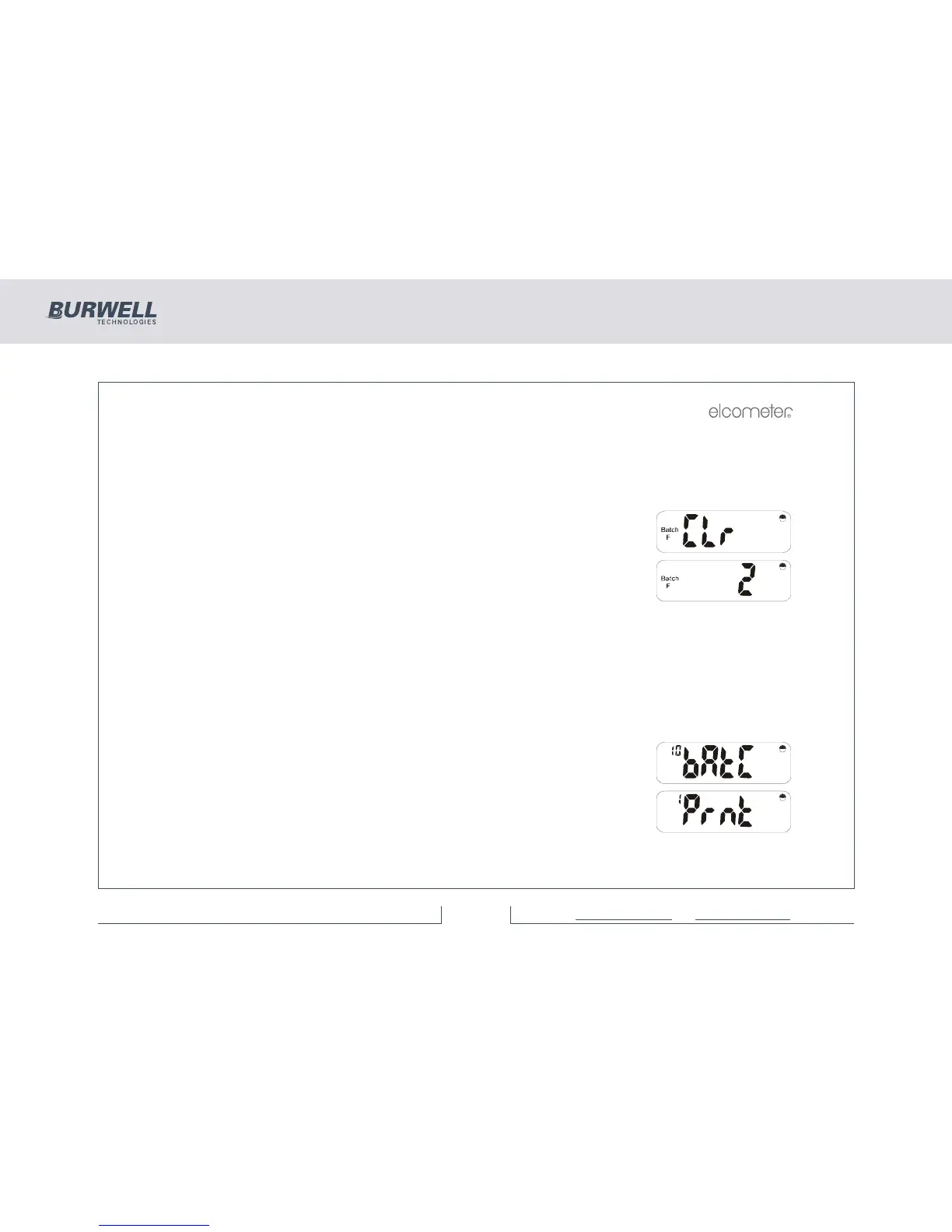
Press [CLEAR] and the display will flash:
and
Press [ENTER] and Batch 2 readings will be cleared.
16.8 See which Batches are being used
Standard software has Batch numbers 1 to 25 present.
Press [SETUP] and [ENTER]. The current batch number is displayed. Using [>] step through each batch
number. If ‘F’ or ‘N’ flashes, then data is stored in the batch. If neither ‘F’ nor ‘NF’ flashes there is no data
in that batch.
16.9 SETUP FUNCTIONS
Press [SETUP] and the display will show:
Use [>] twice to get to the Printer Setup Menu.



 To Next Page