R
38
16.4 Operate in different Units
Change units by pressing [UNITS] once for mm, again for mil, again for thou, again for return to µm, Note
the change in value of the reading as the units change.
16.5 Set CALibration and BASE Values
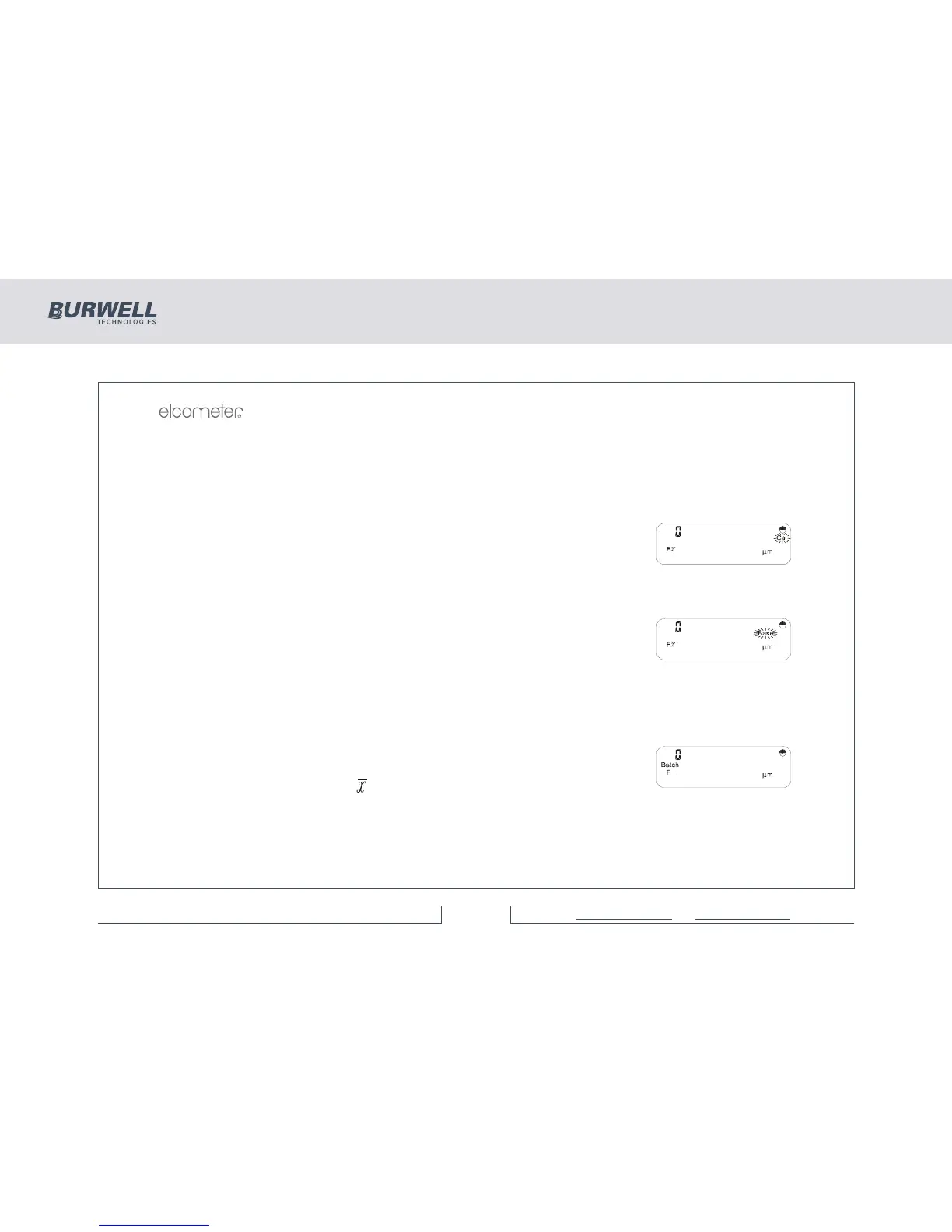
Ensure the display shows ‘µm’. Press [CAL] and the display will show:
Take a set of readings on a known value of foil on a steel substrate. The display
will show the running mean for the set of readings.
Modify the reading to be the actual value of the foil using the [>] or [<] and press
[ENTER]. ‘Cal’ will disappear and the reading display will blank.
Press [BASE] and the display will show:
Take a set of readings on the bare steel substrate.
Enter zero either by accepting ‘0.0’ in the display by pressing [ENTER], or by
modifying the value in the display to read 0.0 by using the [>] or [<] keys and then
pressing [ENTER].
16.6 Send Readings to Memory
Set up Batch 1 by pressing [SETUP] [ENTER], adjusting the display to ‘1’ using
[>]. Then press [ENTER]. The display will show:
Take a set of readings and view , σ, < and> as before.



 To Next Page