Standard features
Simple everyday use
Standard features 33
or online at www.argos-support.co.uk If you still require further assistance, call one of our experts on 0330 024 0805. (Calls are charged at the standard rate of your network provider).
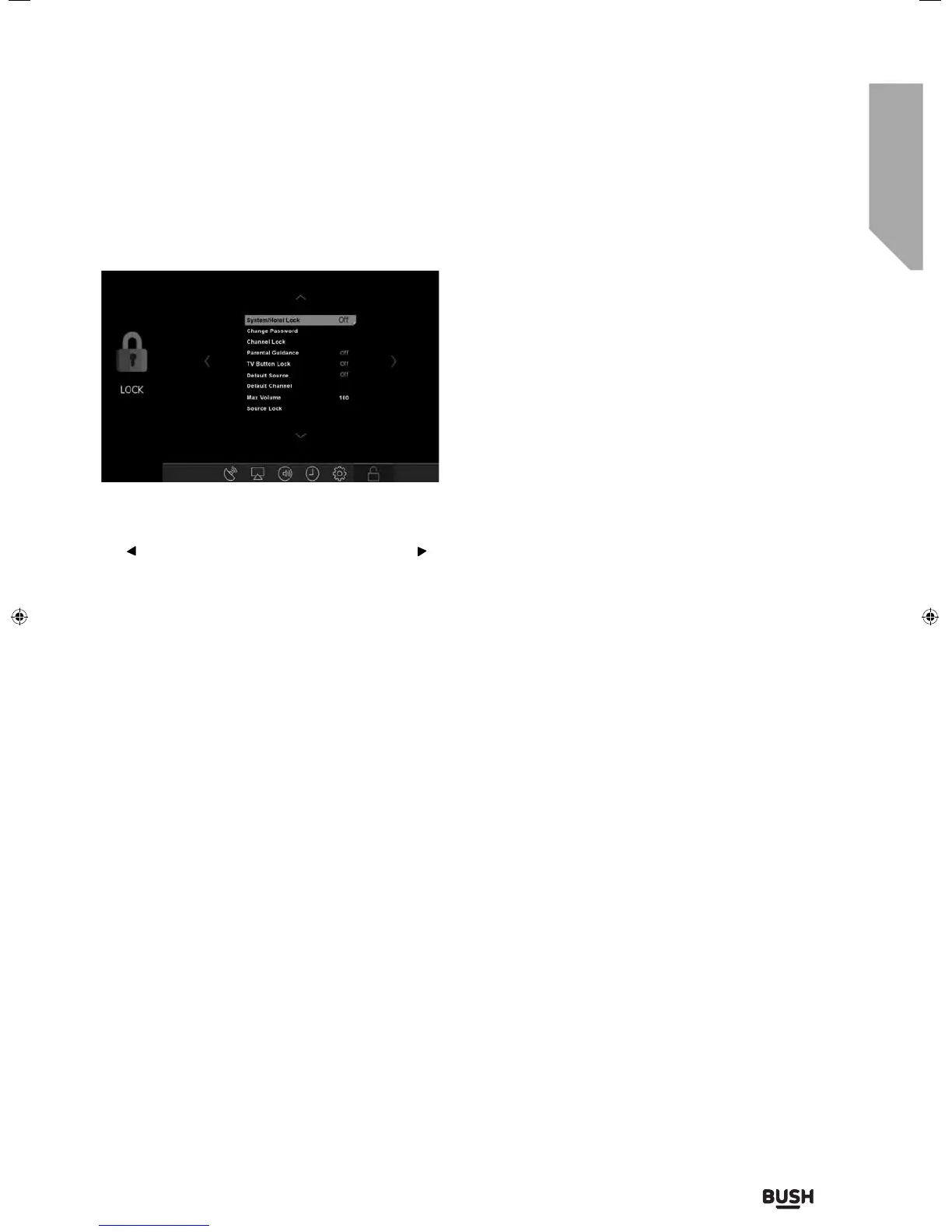
Lock menu
System/Hotel Lock - Allows you to lock or unlock the
menu. You will be asked to enter a 4 digit password use
the button to quit the password input. Use the
button to clear. Default password is 0000
Change Password - Allows you to change the
password
Channel Lock - Allows you to lock certain channels
manually
Parental Guidance - Allows you to set the rating to
block certain content based on age information
TV Button Lock - Allows you to lock the buttons on
the side of the TV set
Default Source - Allows the user to set the default
source. The default source is the source the TV starts
on when first switched on
Default Channel - Allows the user to set a channel as
the default channel on the Digital source. The default
channel is the channel the TV starts on when first
switched on
Max Volume - Allows you to adjust and set the
maximum volume
Source Lock - Allows you to lock the source menu
User Guide - BUS-MAN-0027 BUSH 55-148F.indd 33User Guide - BUS-MAN-0027 BUSH 55-148F.indd 33 04/12/2015 15:16:4304/12/2015 15:16:43



 To Next Page