Is the volume on the connected device set at minimum or muted?
Has the correct operating mode been selected using the source / mode buttons?
The indicator should be blue for Bluetooth, yellow for optical and green
for
Line in source.
Check that any Bluetooth device is correctly paired.
20
Product
support
Help is always at hand
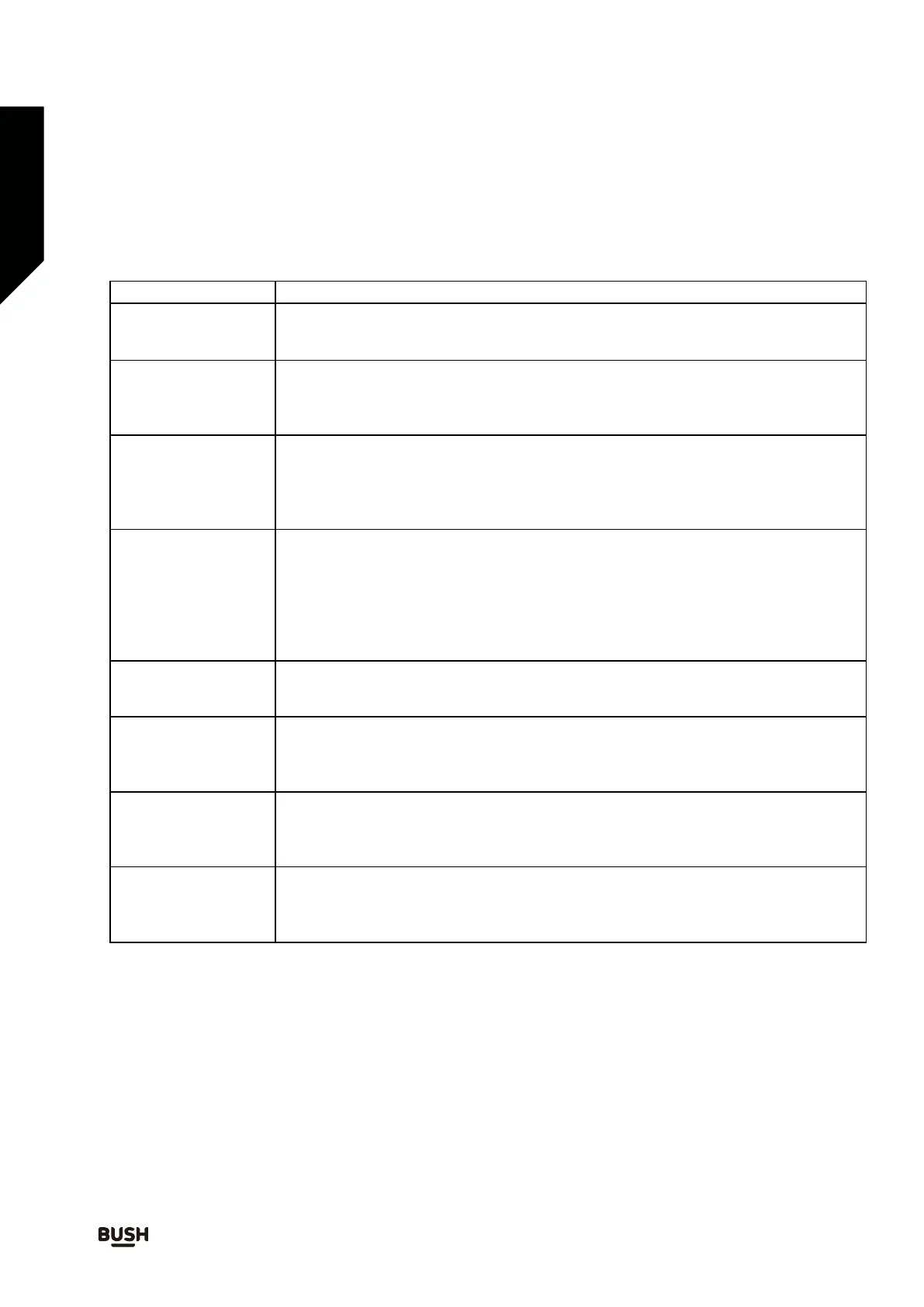
Troubleshooting
Observation
The unit does not
work (indicator not
illuminated)
The remote control
does not work
No sound (source
indicator lit)
Blue
tooth device
not detected / will
not pair
Poor sound tone /
crackling when
using Bluetooth
Sound is not
synchronised with
picture when using
Bluetooth
Line in source does
not play
Optical source does
not play
Potential cause / solution
Has the power cable been correctly plugged into the mains?
Has the POWER Button been pressed?
Does the socket that is being used have power?
Is the battery exhausted?
Has the battery been correctly fitted?
Are there obstacles i
n the between the remote and the sensor on the main unit?
Is the remote too far away from the sensor?
Have you selected correct SEARCH mode on your Bluetooth device?
Has Bluetooth mode been correctly selected on soundbar using the BT button?
Have you delayed searching? Try to pair within 2 minutes of switching on soundbar.
Is another device already paired with the soundbar?
Have you found ‘Bush B-3363A’ on your Bluetooth device and then sele
cted
“pair with this device”?
Does your Bluetooth device support A2DP connection?
Is the Bluetooth device positioned over 8 – 10m from the speaker?
Are there solid objects between the Bluetooth device and the speaker?
This is normal and because of the way Bluetooth transmits the sound. For
applications where picture and sound need to be played together, use one of the
wired connection options.
Is the line in source e
quipment correctly connected to the soundbar?
Has the line in source been selected using the OPTICAL button? The source
indicator will be yellow when optical mode selected.
Has the play button been pressed on the optical source?
Has the play button been pressed on the line in source?
Has the line in source been selected using the LINE IN button? The source
Is the optical source equipment correctly connected to the soundbar?
indicator will be g
reen when line in mode selected.
If you require any technical guidance or find that your product is not operating as intended, a simple solution can often be found in the Troubleshooting section of these instructions



 To Next Page