BAS520BT
13
General Operations
Setting Sleep
This function enables the unit to switch to standby mode by itself after a set sleep time.
1. Press MENU button and then press or button to select Sleep, press SELECT
button to confirm.
2. Press or button to view options Sleep off, 15, 30, 45, 60 and 90 minutes,
and then press SELECT button to confirm. The sleep icon will show on the display.
3. To view the set sleep time, redo above step 1.
4. To turn the sleep function off while the sleep timer is still counting down, select 'Sleep'
option, press or button to select 'Sleep off'.
Setting Alarm
Your unit includes dual alarms. Setting Alarm, make sure that set time at first.
1. Press MENU button and then press or button to select Alarm, press SELECT
button to confirm.
2. Press or button to browse 'Alarm 1 Setup' and 'Alarm 2 Setup', press
SELECT button to confirm. or will flash on the display.
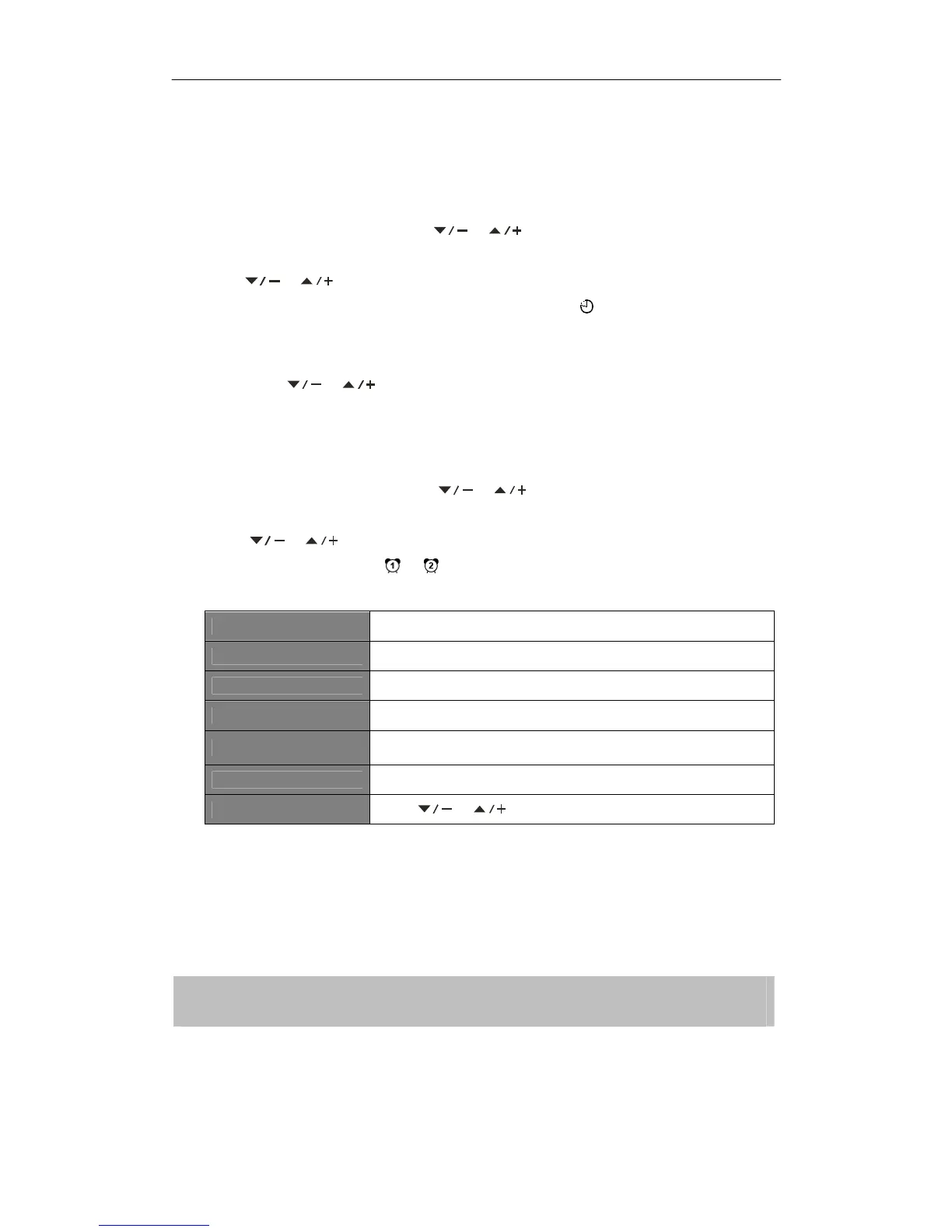
3. Follow your unit’s instructions to configure the following parameters:
Alarm states: On or Off
Alarm time: On Time: 00:00 (manually set up the time )
Alarm duration time: 15/30/45/60/90 minutes
Alarm source: DAB, FM or Buzz
Last listened:
or
(not available for
Buzz mode).
Alarm active day: Daily, Once, Weekends or Weekdays
Alarm volume: press or button to set the alarm volume
4. When display shows 'Alarm Saved', the alarm setting is successful.
5. To temporarily switch off alarm, press SELECT button to activate Snooze function when
the alarm sounds. Press SELECT button repeatedly can set Snooze time of 5, 10, 15 or
30 minutes in turn.
6. To turn off alarm, press STANDBY/ON button when the alarm sounds.
7. To cancel Alarm, refer to steps1-3 to set Alarm states to ‘Off'.
:
Selecting Snooze period time depends on which alarm duration time you selected.



 To Next Page