Using your
Built-in Hob
Getting the most from your
appliance
Getting to know your Built-in Hob
or online at www.bush-support.com
If you still require further assistance, call one of our experts on 01759 487838
4. Beware of hot surfaces
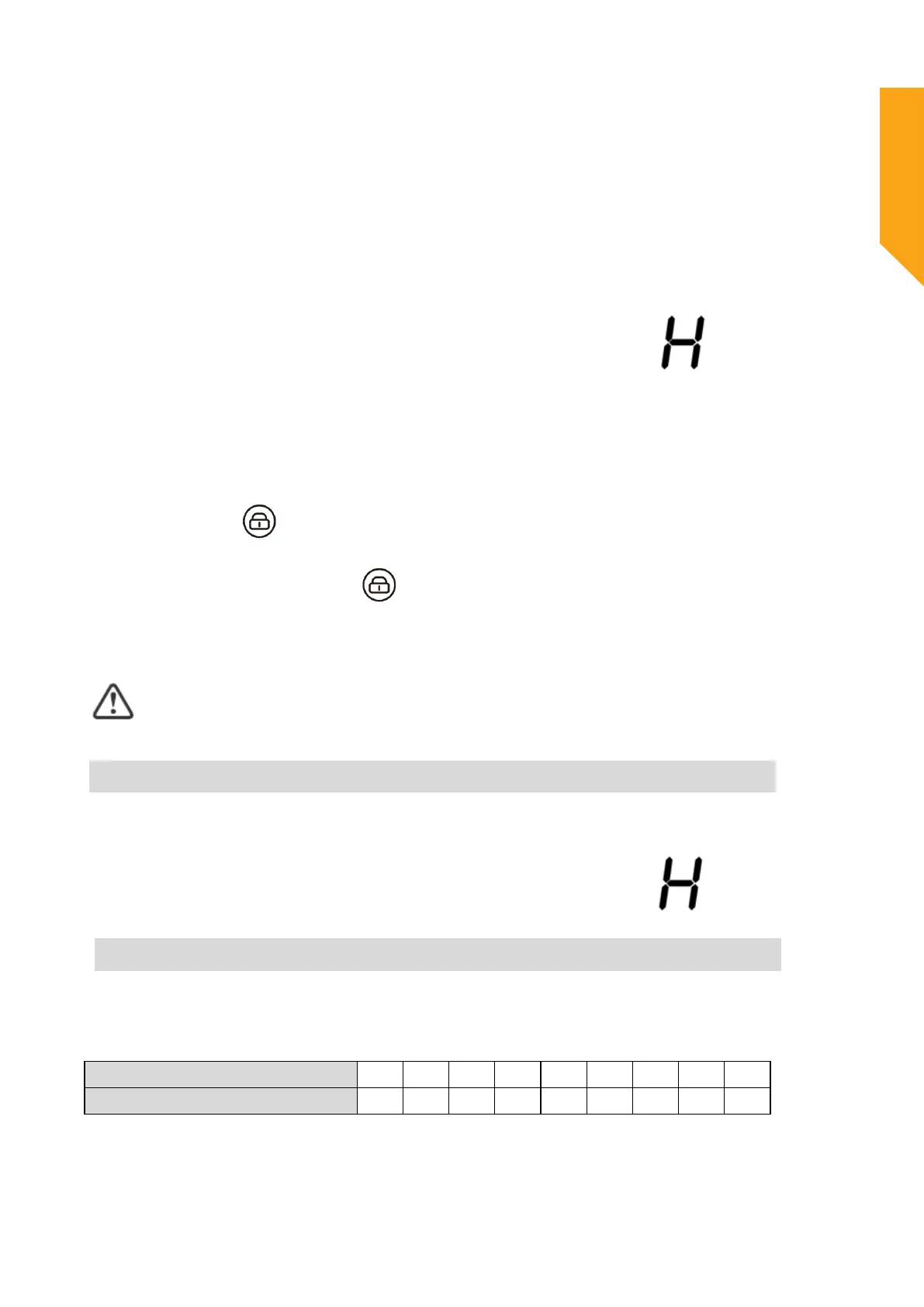
“H” will show which means cooking zone is too hot to touch. It will disappear when the
surface has cooled down to a safe temperature. It can also be used as an energy saving
function if you want to heat further pans, use the hotplate that is still hot.
Locking the Controls
• You can lock the controls to prevent unintended use (for example children accidentally
turning the cooking zones on).
• When the
controls are locked, all the controls except the ON/OFF control are disabled.
To lock the controls
Touch the keylock control. The timer indicator will show “Lo “.
To unlock the controls
1. Make sure the hob is turned on.
2. Touch and hold the keylock control
for 3 seconds.
3
. You
can now start using your hob.
When the hob is in lock mode, all the controls are disabled except the ON/OFF, you can
always turn the hob off with the ON/OFF control in an emergency, but you shall unlock the
hob first in the next operation.
Residual Heat Warning
When the hob has been operating for some time, there will be some residual heat. The letter “H”
appears to warn you to keep away from it.
Auto Shutdown
Safety feature of the hob is auto shut down. This occurs whenever you forget to switch off a
cooking zone. The default shutdown times are shown in the table below:
Power level
1 2 3 4 5 6 7 8 9
Default working timer (hour)
8 8 8 4 4 4 2 2 2
23


 To Next Page