9
BR05DAB
OPERATING INSTRUCTIONS
DAB+ OPERATION
Listening to the DAB+ Radio
Changing DAB+ Station
Storing a Station Preset
Recalling a Station Preset
Using the Menu in DAB+ Mode
1. Press the Mode to enter DAB+ mode.
2. You will need to conduct a full station scan to ensure all available stations are listed in the DAB+
station list for you to choose from and play.
3. When the scan is complete, the DAB+ Radio will then play the first available station/last played
station. Stations are listed in numerical and then alphabetic order. The station list is stored in
the memory. It is recommend to conduct a station scan every so often to pick up new stations.
If there are no stations found, check that you have adequate DAB+ coverage in your area.
1. Press the < and > Buttons to scroll through the stations in the station list.
2. Press the SELECT Button to confirm and play the station.
(Note: If no new station is selected, the current station playing will be displayed
after 15 seconds.)
3. If you wish to see any new stations added, press the SCAN Button to perform a full scan again.
You can preset up to 10 DAB+ stations for easy access as follows:
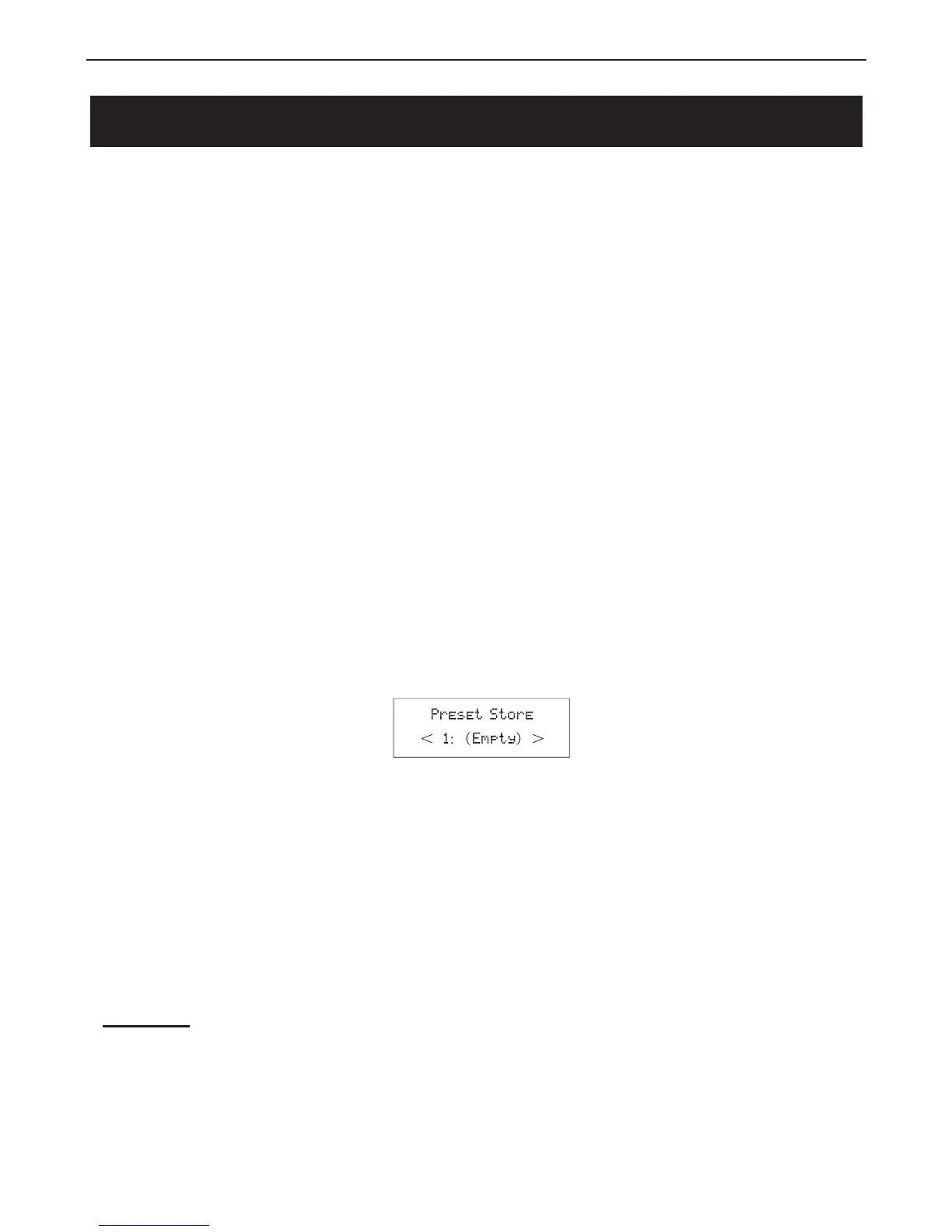
1. Select the station you wish to preset. Press and hold the PRESET Button until the display
shows:
2. Using the < and > Buttons choose the preset number (1-10) you wish to use. Then press the
SELECT Button to store the station.
1. Press the PRESET Button and use the < and > Buttons to select your desired preset station.
2. Press the SELECT Button to play the station.
Press the MENU Button to enter the Main Menu. Press the < and > Button to scroll through the
below options:
Auto Scan
1.Press the MENU Button to access the Main Menu.
2.Press the < and > Buttons until "Autoscan" is displayed.
3.Press the SELECT Button to perform full scan for all available DAB+ stations.



 To Next Page