20 Getting started
Using online apps
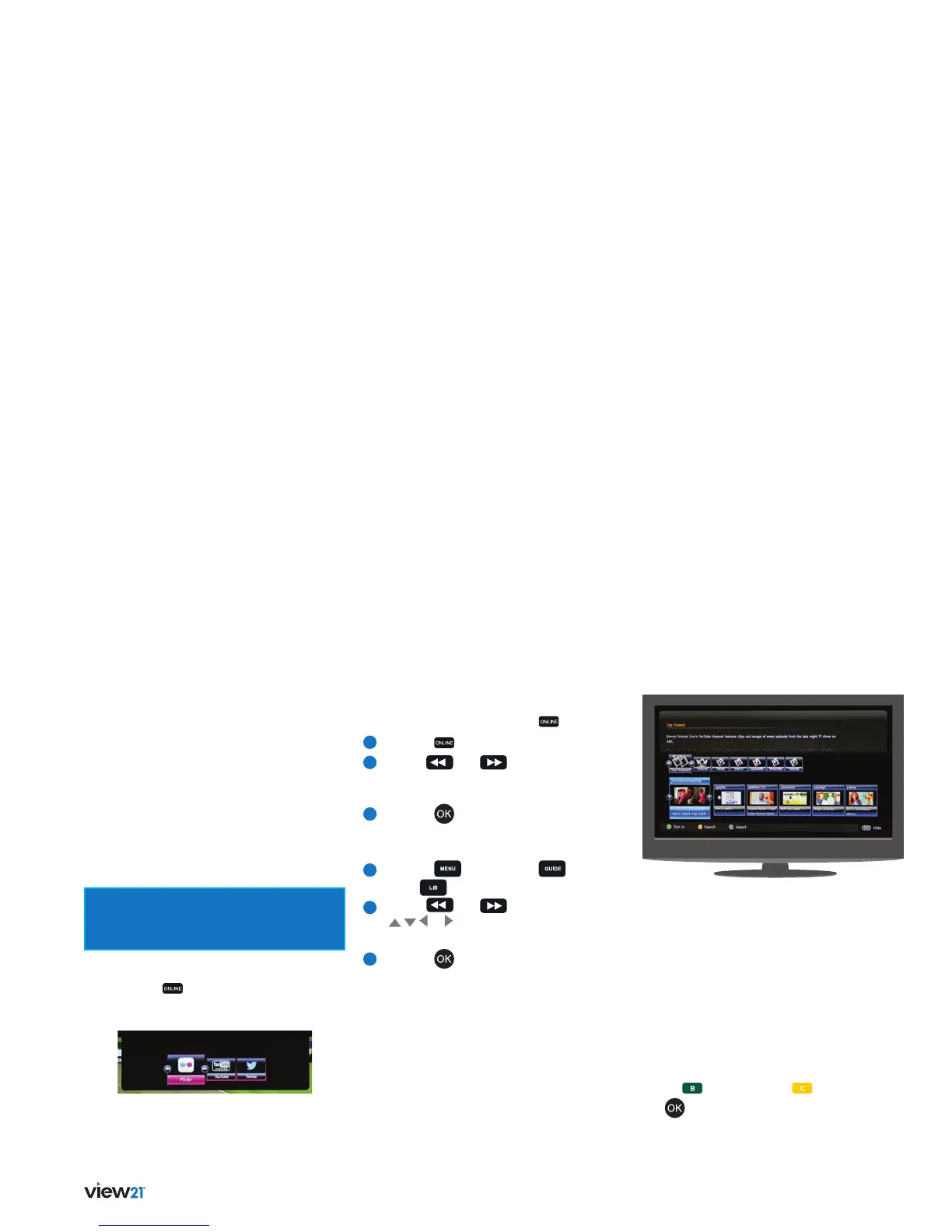
Your View21 box is supplied with three
applications built-in: Flickr, YouTube and
Twitter. This section of the User Guide will
show you how to access each website via the
online apps.
You’ll need your Flickr and Twitter login
details, like your username and password,
to fully access those services.
Make sure your View21 box is connected
to a broadband router via WiFi or an Ethernet
cable to access online apps, see page 11.
Applications can be accessed by:
• Pressing the
button on the remote control
• Using the Quick Access Bar in the Guide
Select and run an application
To access an application using the button:
1
Press the button to display the App Bar.
2
Use the
and or navigation buttons
to step along the App Bar and select
the application.
3
Press the button.
To access an application using the Quick
Access Bar:
1
Press the button, or the button
or the button
2
Use the
and or navigation buttons
(
, , or ) to step along the Quick Access
Bar and select the application.
3
Press the button.
Flickr
This is an image hosting website allowing you to
upload and view photos.
YouTube
This is a video sharing website which lets users
share and view videos.
Once you access the YouTube application, the
Home page is displayed. A menu bar is shown in the
middle of the screen and a slideshow bar below it.
There are three buttons along the bottom of the
screen, button (Sign In), button (Search)
and
(Select).


 To Next Page