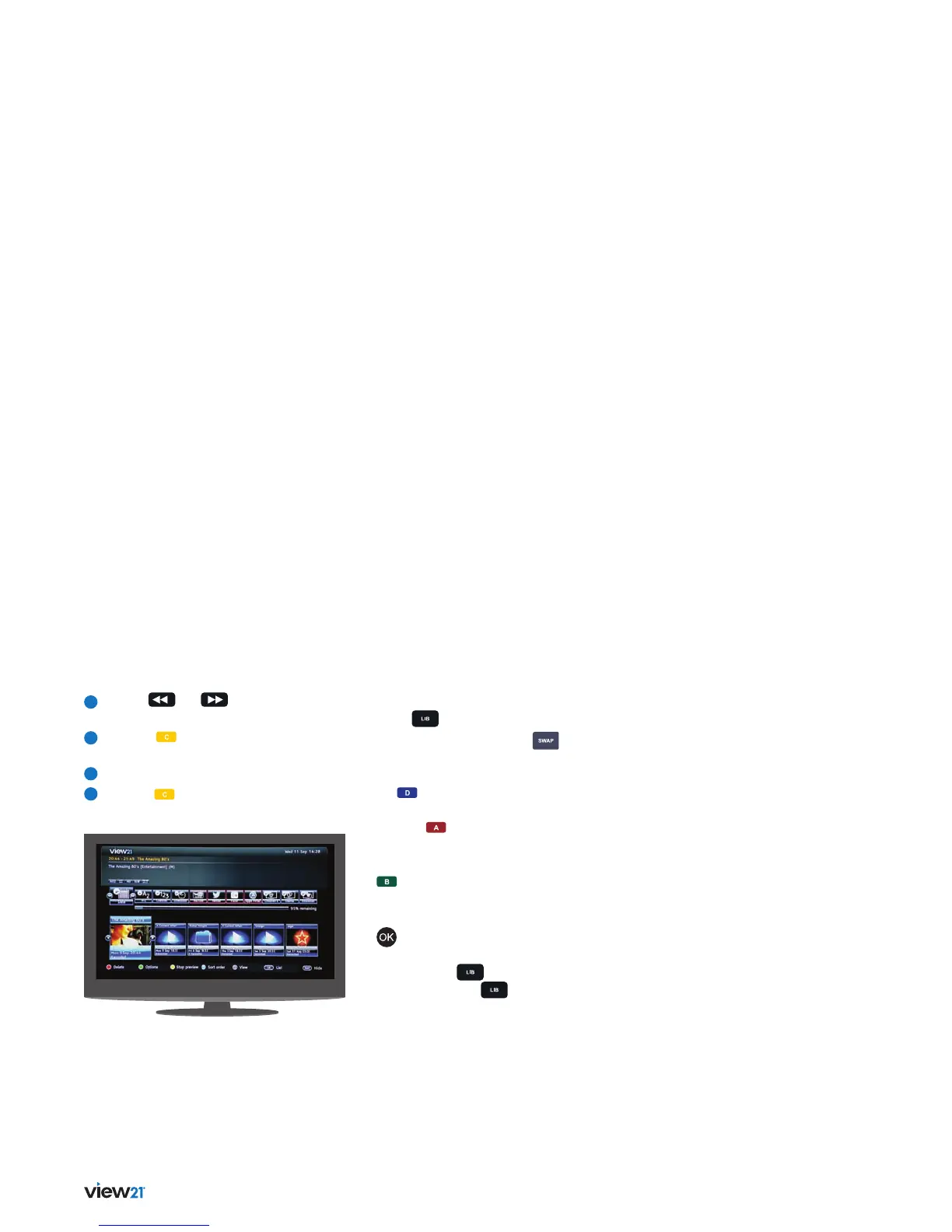
32 Advanced box features
3
Use the
and buttons to select
a recording to preview.
4
Press the (Preview) button to preview
the recording.
5
The recording will play in the preview window.
6
Press the (Stop preview) button when
you want to stop viewing.
Library quick key buttons
Press the button to display the Library:
• SWAP: If necessary, press the button
to show the Footer panel.
• BLUE: To invert the current sort order, press
the button.
• RED: To delete the currently selected recording,
press the button.
• GREEN: To display the playback options for
the currently selected recording, press the
button.
• OK: To play the selected recording, press the
button.
• LIB: To change from the List mode to the Slideshow
mode press the button. To return to the
List mode, press the button again.


 To Next Page