Getting to know your DVD Player
You’ll be up and running in no time
Getting to know your DVD Player
10
If you require any technical guidance or find that your product is not operating as intended, a simple solution can often be found in the Troubleshooting section of these instructions,
Ready? Let’s begin...
Please read these instructions carefully. They contain
important information which will help you get the best
from your DVD Player and ensure safe and correct
installation and operation.
If you require any further assistance, our technical
experts are happy to help. For full details, refer to
the product support section at the end of these
instructions.
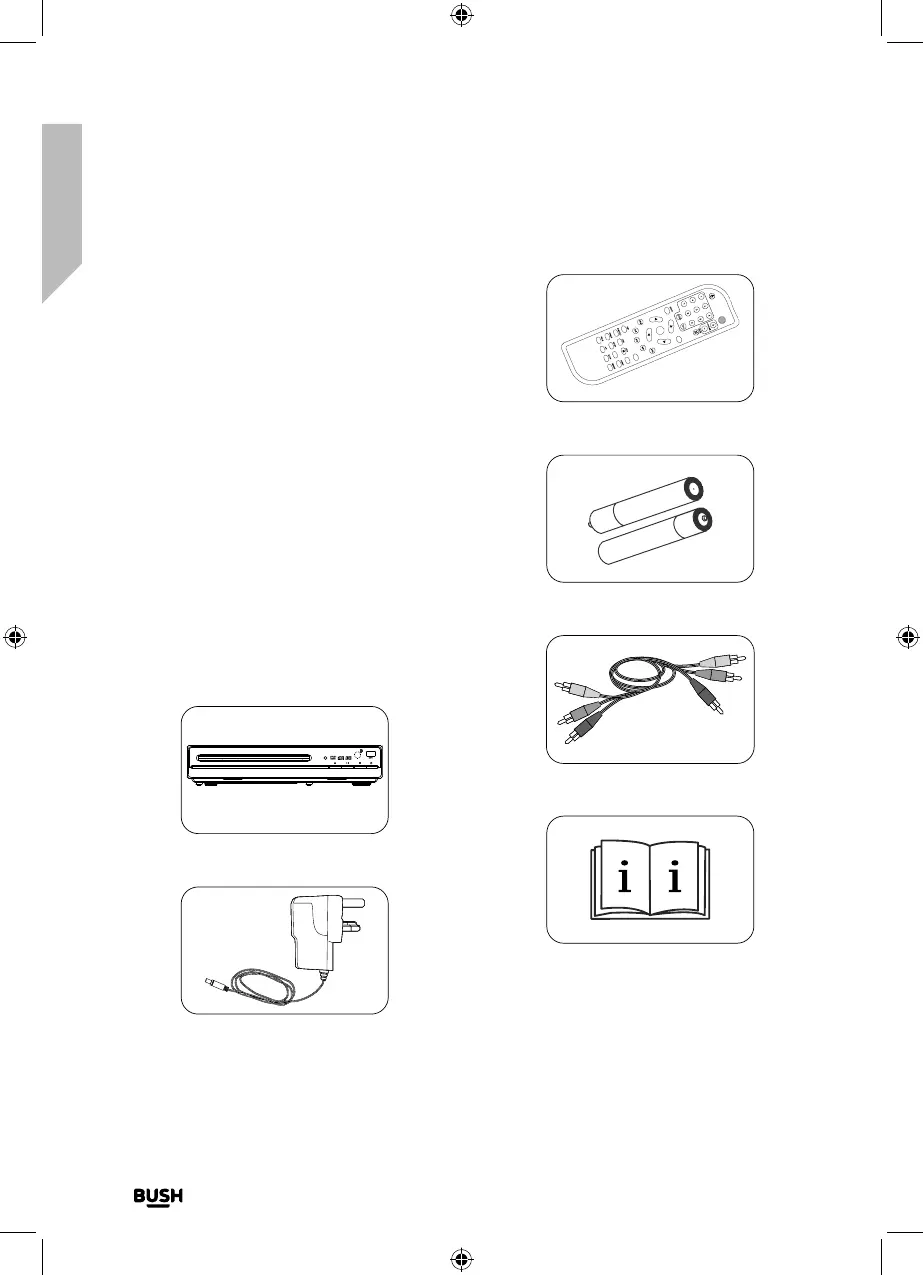
Check the package contents
The package contains:
• 1 x DVD player
• 1 x Mains power adapter
• 1 x RCA cable
• 1 x Remote control
• 2 x AAA Remote control batteries
• 1 x Instruction manual
1 X DVD player
1 X Mains power adapter
Fig 18.
Fig 19.
1 X Remote control
2 X AAA Remote control batteries
RCA cable
1 X instruction manual
Setting up
If you require any technical guidance or find that your
product is not operating as intended, a simple solution
can often be found in the Troubleshooting section of
this guide
Fig 20.
STANDBY
OK
OPEN/CLOSE
MENU
DVD/USB
TITLE
GOTO
Fig 21.
Fig 22.
Fig 23.


 To Next Page