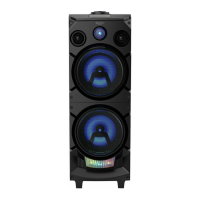
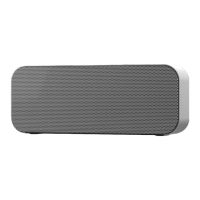
Getting to know your Bluetooth Speaker
You’ll be up and running in no time
Getting to know your Bluetooth Speaker
section of these instructions, or online at www.argos-support.co.uk If you still require further assistance, call one of our experts on 0345 600 3021.
Switching input modes
Follow the below instructions to switch between Bluetooth and LINE in input modes.
1. Press the and hold the MODE button (2) to switch modes. Line-in mode is indicated
with a solid red LED and Bluetooth is a blue LED (either flashing or solid depending on
the connection status).
Volume function
1. Press and hold the VOL+ button (5) to increase the volume output.
1. Press and hold the VOL- button (6) to decrease the volume output.
EQ sound eects
Select from five sound EQ modes of: FLAT, ROCK, JAZZ, POP & CLASSIC.
1. Press the EQ button (1) to cycle between them. Each press is indicated by a sequence
of three flashes on the LED indicator (8).
NOTE: There is no indication which EQ is active, so select the mode that best suits your
sound preference for the tracks that you are playing.



 To Next Page