For any help concerning set up and use of your TV please call the Customer Helpline: 0 345 604 0105
40
Connectivity Functions
Connecting to a Wireless Network
• To make your modem’ s SSID visible, you
should change your SSID settings via modem’s
software. The TV cannot connect to the networks
with hidden SSID.
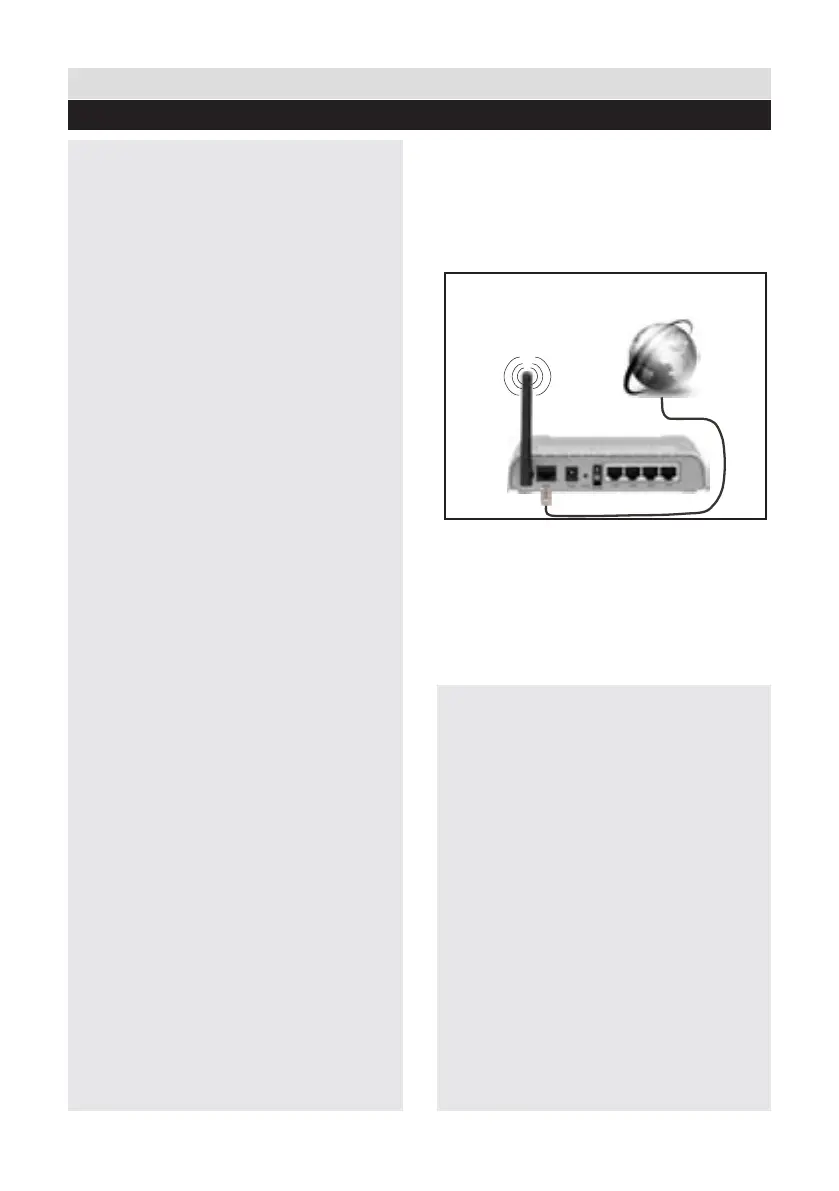
For connecting to a wireless LAN network,
you should perform the following steps:
1. Connect broadband ISP connection ethernet
cable to the ETHERNET INPUT of your
modem.
2. Ensure that Nero Media Home software is
installed to your PC (for DLNA function).
3. To congure wireless settings please refer
Network Settings section in the following
sections.
• A Wireless-N router (IEEE 802.11a/b/g/n) with
simultaneous 2.4 and 5 GHz bands designed
to increase bandwidth. Optimized for smoother
and faster HD video streaming, le transfers, and
wireless gaming.
• Use LAN connection for quicker le sharing
between other devices like computers.
• The frequency and channel differ depending
on the area.
• The transmission speed differs depending on
the distance and number of obstructions between
the transmission products, the configuration
of these products, the radio wave conditions,
the line trafc, and the products that you use.
The transmission may also be cut off or get
disconnected depending on the radio wave
conditions DECT phones, or any other WiFi
11b appliances. The standard values of the
transmission speed are the theoretical maximum
values for the wireless standards. They are not
the actual speeds of data transmission.
• The location where the transmission is
most effective differs depending on the usage
environment.
• To congure wireless settings please refer
wi section in Settings menu.
• The Wireless feature of the TV supports
802.11 a,b,g & n type modems. It is highly
recommended that you should use the IEEE
802.11n communication protocol in order to avoid
any possible problems while watching videos.
Wireless Lan
Adaptor
USB Inputs (Side of the TV)
Broadband ISP
Connection
• You must change your modem’s SSID when
there are any other modems around with the
same SSID. You can encounter connection
problems otherwise. Use wired connection
instead if you experience problems with wireless
connection.
g.1














 To Next Page