10
EN
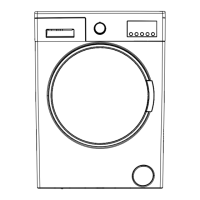
Program selection dial
With the program knob, you can select the program
with which you desire to wash your clothes. You can
select programs by turning the program knob in
both directions. You must be careful that the adjust-
ment sign of the program knob is exactly on the
program you want to select. If you move the pro-
gram knob to 0 (off) position, while your machine is
running, your program will be cancelled.
Note: If you want to activate an additional function
after the machine has started washing, press the
additional function button that you want to use. If the
additional function selected can still be used at that
program stage, the LED of the function button will
be turned on and the function will be added to the
program. If the LED is not turned on, the function
selected is not possible at that stage of the current
program and will not be activated.
On the display panel, you can see
the washing delay timer of your
machine, speed setting of your
machine, the auxiliary functions
you have selected and the stage of
the programme you are running on
your machine (
pre wash/wash
state,
rinsing stage, spinning
stage).
Furthermore, electronic display will
warn you by means of led combi-
nations that will turn on its display
when a fault occurs on your ma-
chine and notify you of the comple-
tion of the washing programme by
revealing expression of “Finished”
on the display as soon as the wash-
ing programme you have selected
Introduction of control panel


 To Next Page