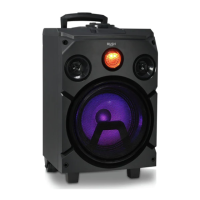
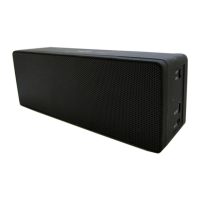
Getting to know your Party Speaker
You’ll be up and running in no time
Getting to know your Party Speaker
16
If you require any technical guidance or find that your product is not operating as intended, a simple solution can often be found in the
Troubleshooting
Changing the mode
Your party speaker has 3 modes, Bluetooth, Aux in and USB play.
1. Short press the Power/Mode button to change between Bluetooth, and Aux in
modes. To use USB Play mode, just plug a USB stick into the USB MP3 socket.
USB MP3 socket
With your Party speaker you can play MP3, WAV and WMA music files directly from a USB
stick.
Note: When you plug a USB stick into the USB MP3 socket, it will directly override the
product mode selection.
With your Party speaker in any mode:
1. Plug the USB stick with the music files into the USB MP3 socket. After a short delay the
files on the USB stick will begin to play.
Note: Remember to remove the USB stick from the USB MP3 socket after use.
USB 5V/1A Charge socket
You can charge mobile devices that have a USB charging cable (not supplied), using the
USB 5V/1A charge socket.
With the Party speaker powered on and in any mode:
1. Connect the mobile device charging cable (not supplied) to your mobile device and
plug the standard USB plug end into the USB 5V/1A charge socket on your Party
speaker
2. Your Party speaker will now begin to charge your mobile device. Please check your
mobile device display for the charging status.


 To Next Page